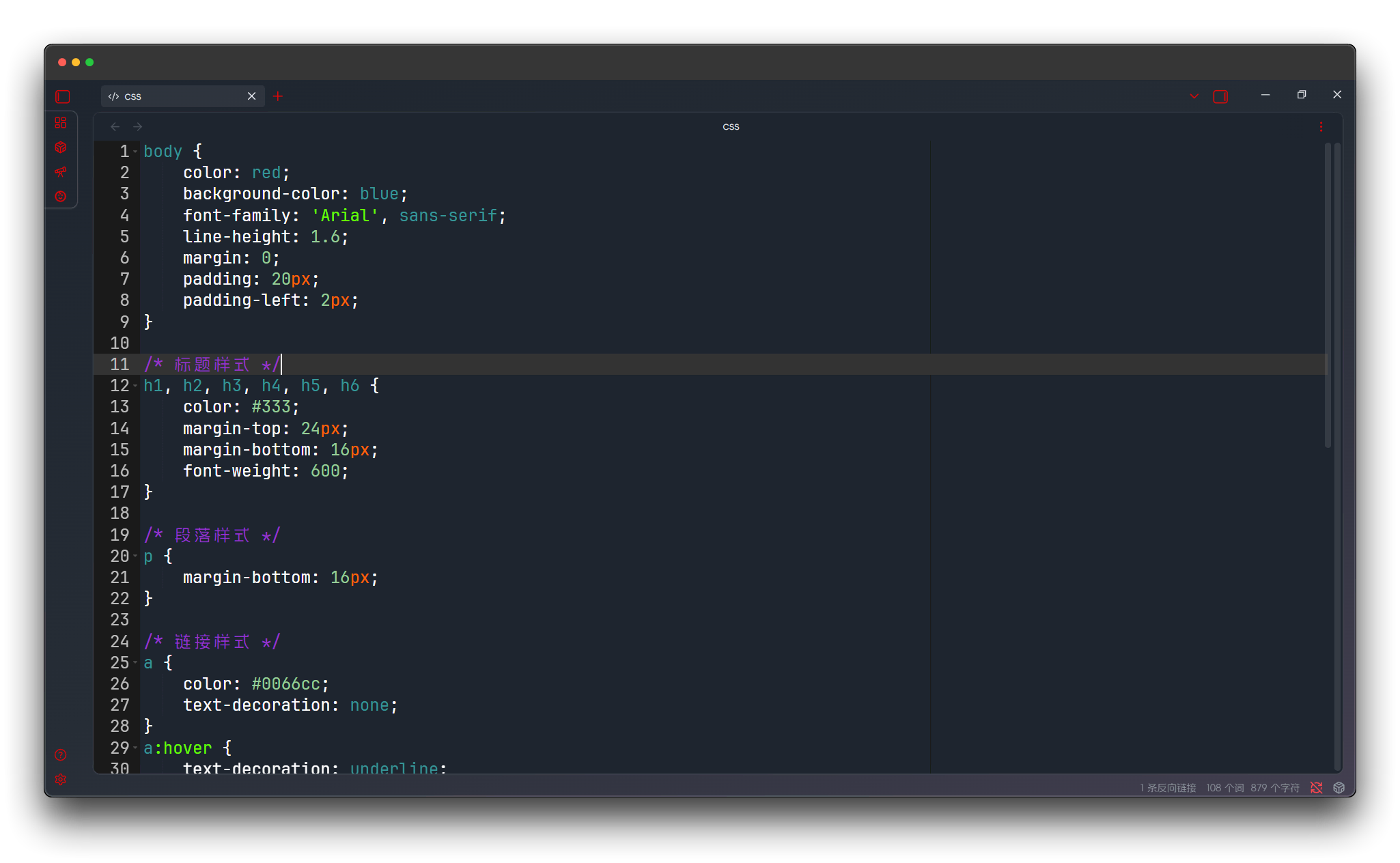
Editor Themes
Ace Code Editor provides you with 20+ carefully designed editor themes, covering both light and dark categories.
Theme Usage
The plugin allows you to set different themes for light and dark modes separately in the settings.
- Automatically switch editor themes based on Obsidian's light/dark mode
- Light mode uses
githubtheme by default - Dark mode uses
monokaitheme by default
Light Themes
Light themes use high-contrast light backgrounds, suitable for use in well-lit environments. These themes feature:
- Clear text display and code hierarchy
- Suitable for daytime and bright environments
- Reduce visual interference from screen glare
- Provide multiple professional IDE style options
Chrome
Classic Chrome browser developer tools style, clean and crisp design, suitable for daily programming use.
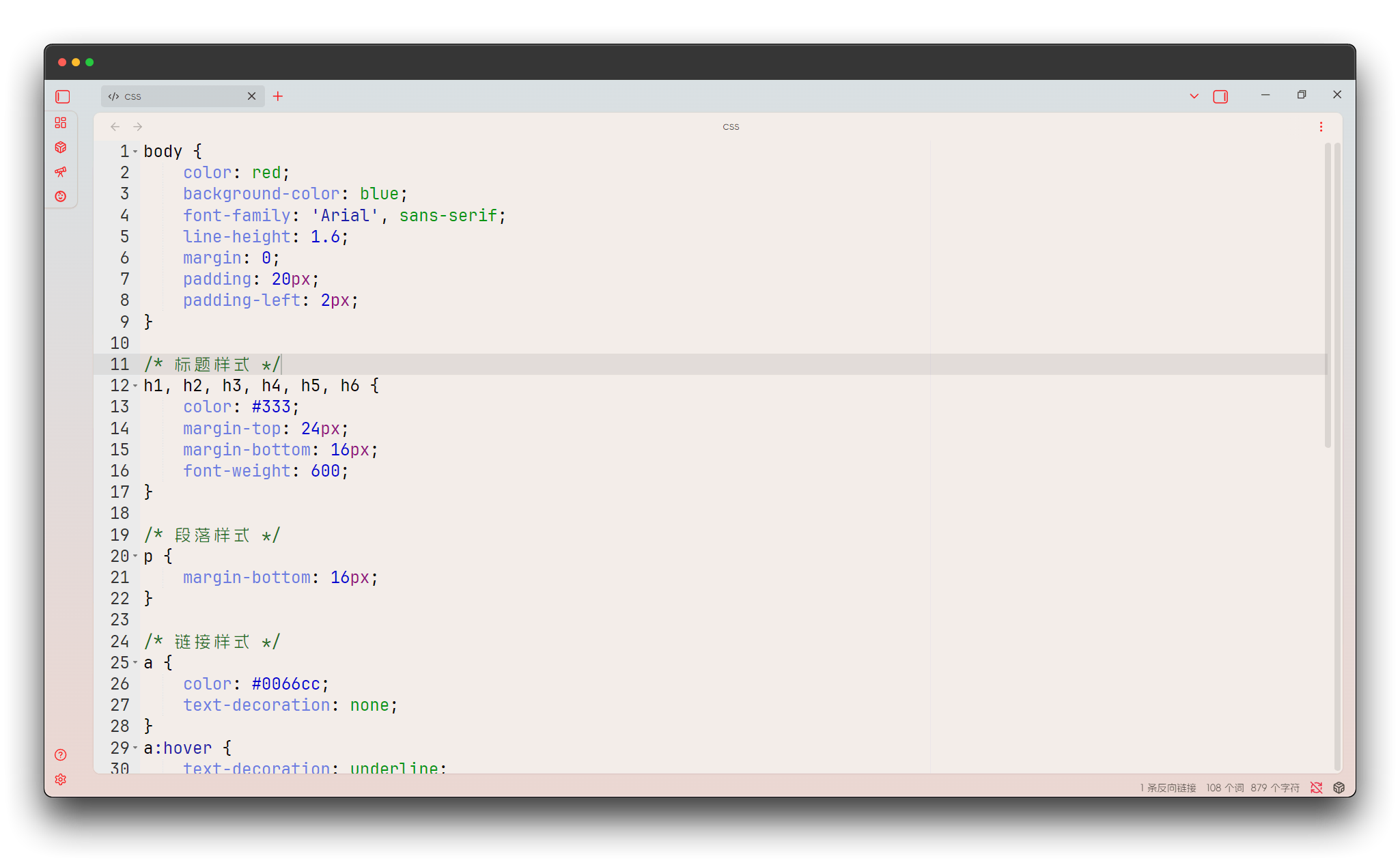
Cloud Editor
Cloud editor style with modern interface design, providing excellent visual experience.

Cloud9 Day
Cloud9 IDE's day mode, fresh and bright color scheme, eye-friendly.
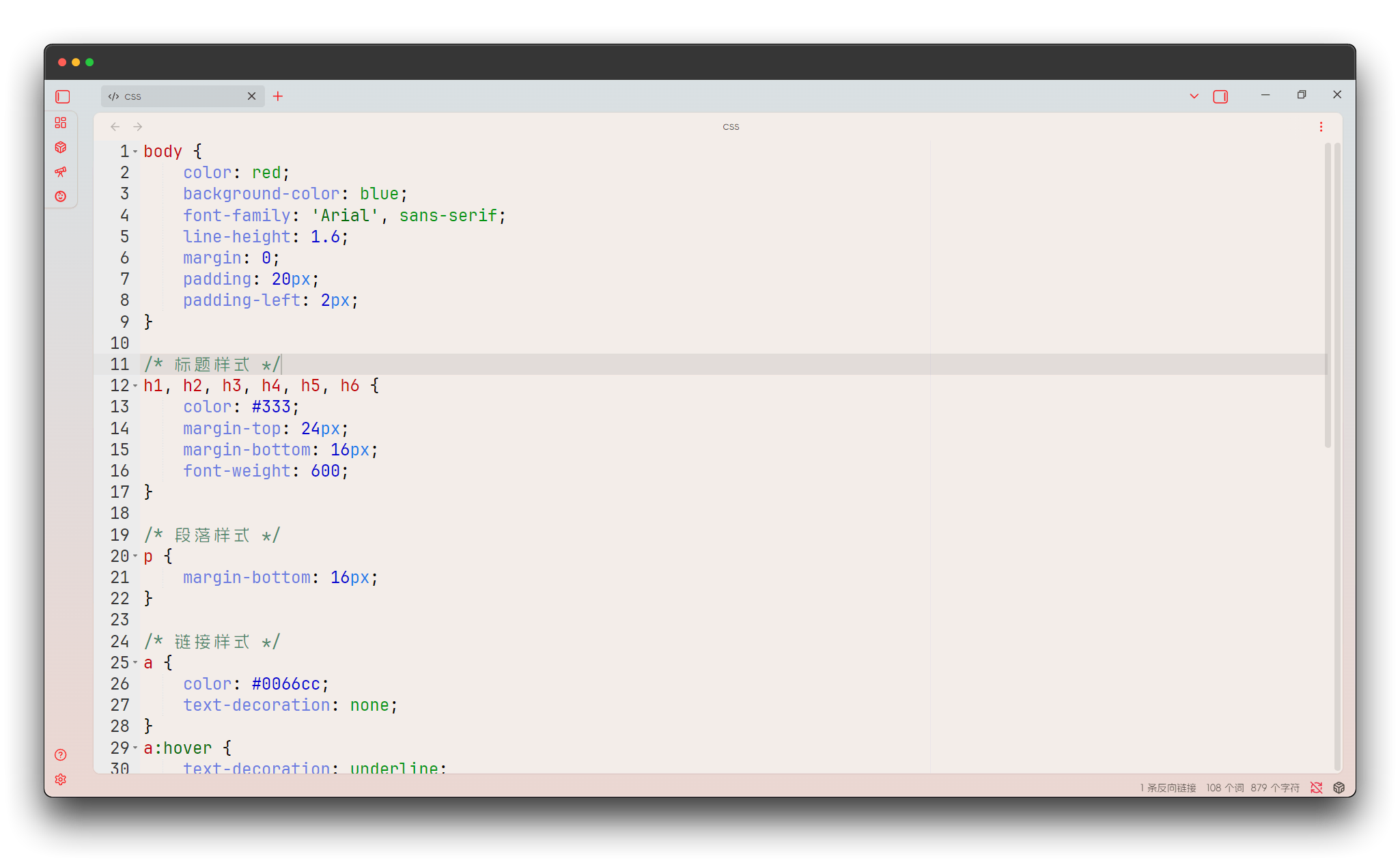
Clouds
Cloud theme with soft color combinations, creating a relaxed programming atmosphere.
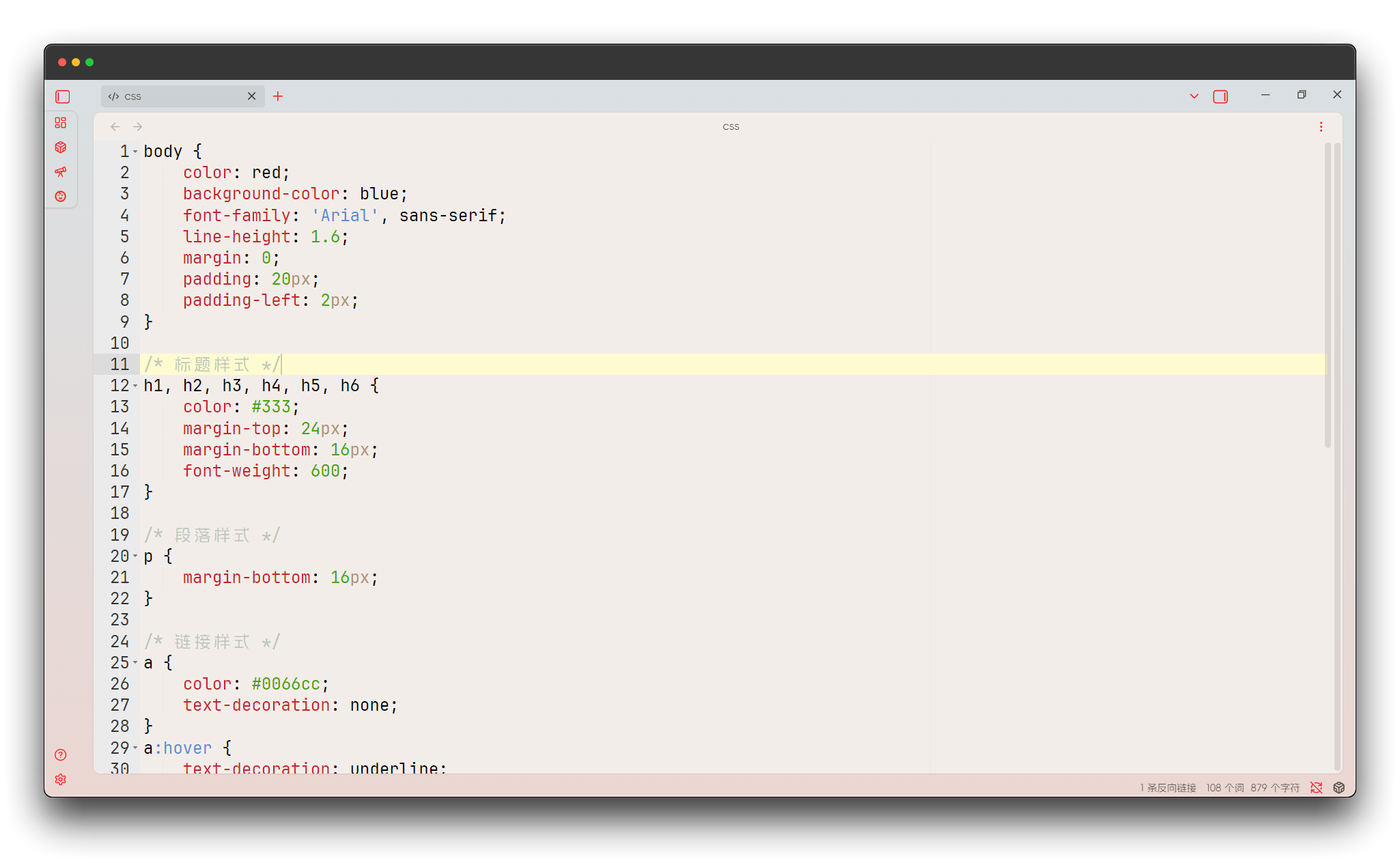
Crimson Editor
Crimson editor style, classic Windows editor appearance, nostalgic yet practical.
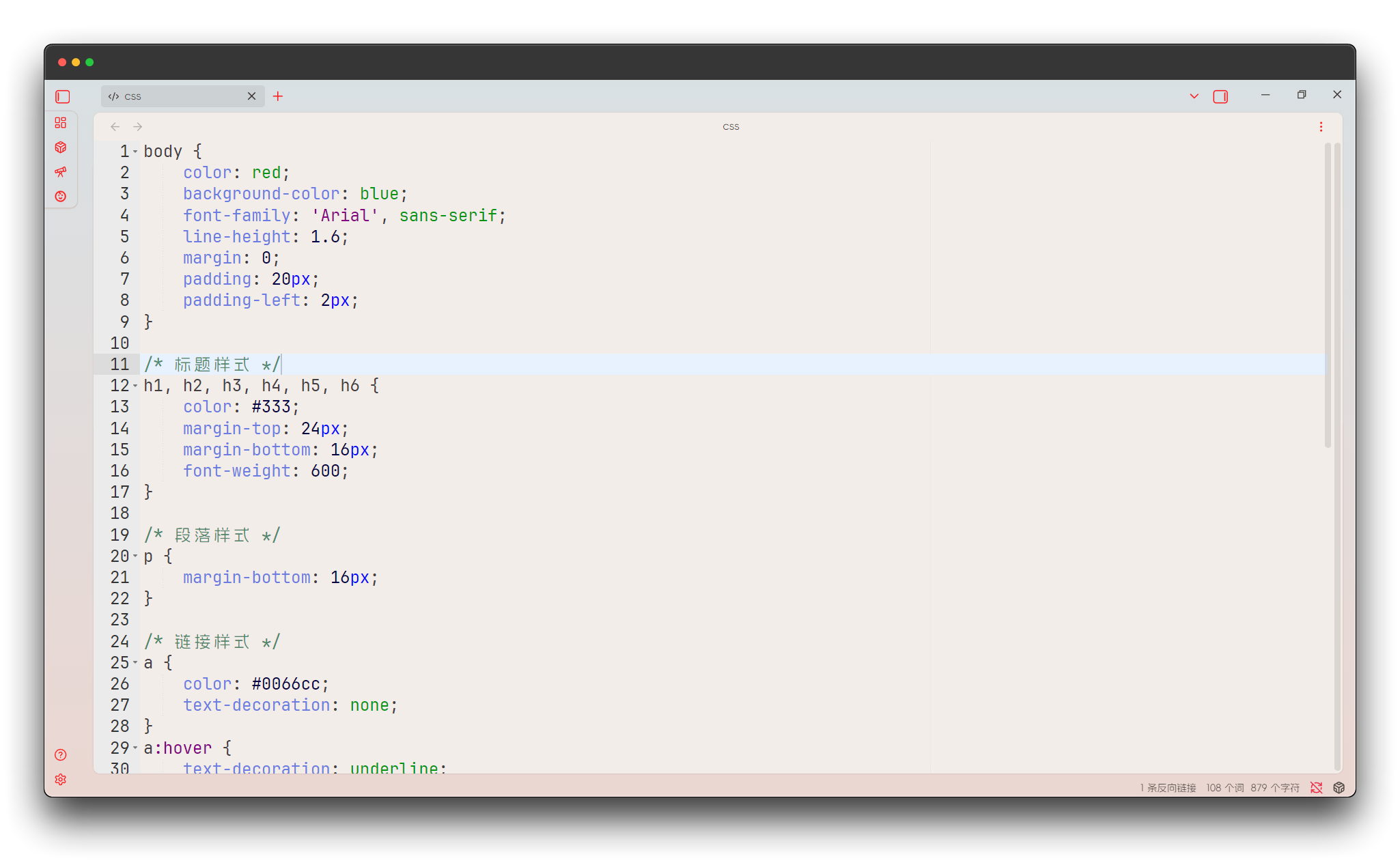
Dawn
Dawn theme with warm tones, gentle programming environment like morning light.
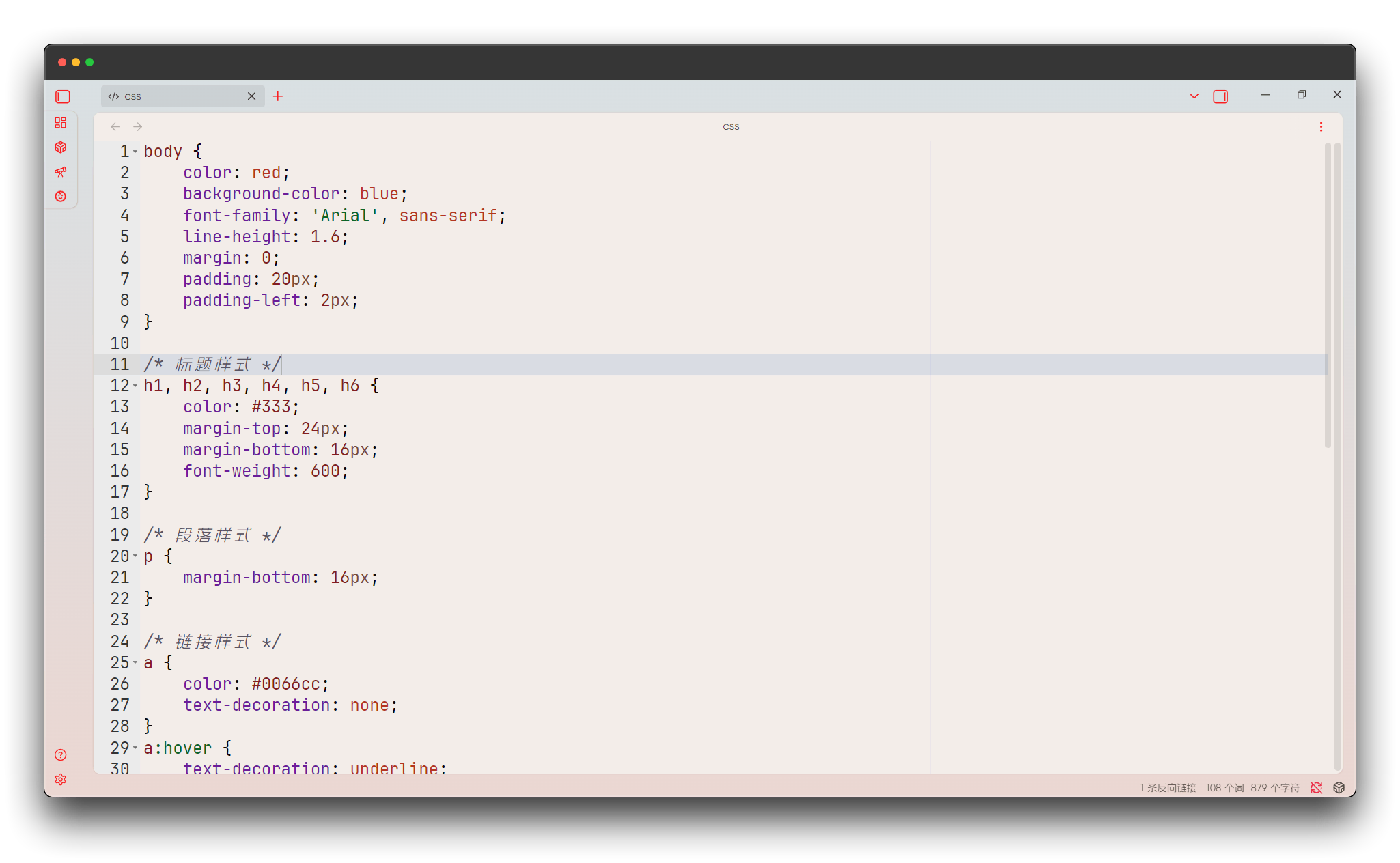
Dreamweaver
Adobe Dreamweaver style, professional web development tool appearance.
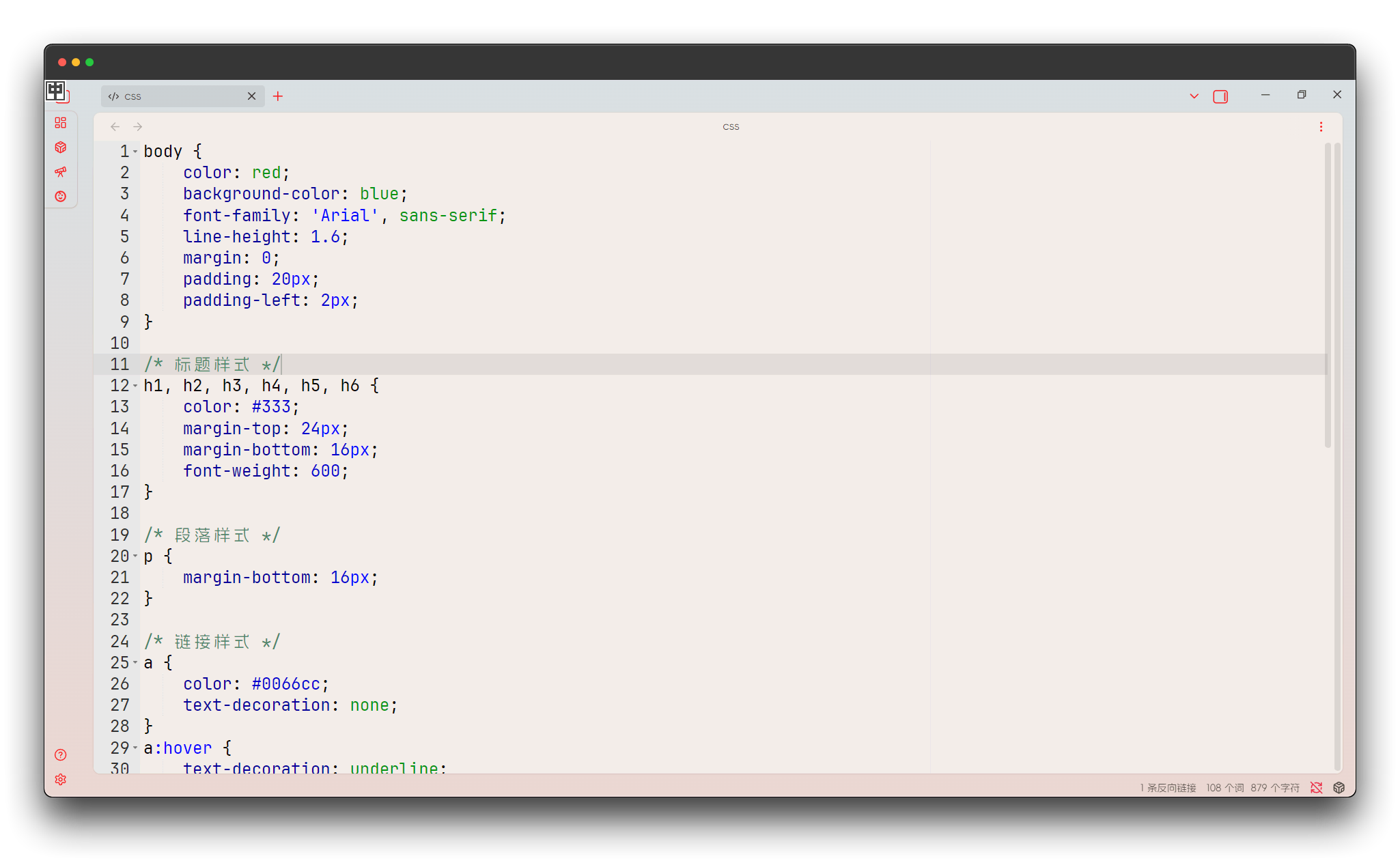
Eclipse
Eclipse IDE classic appearance, a classic choice for Java developers.
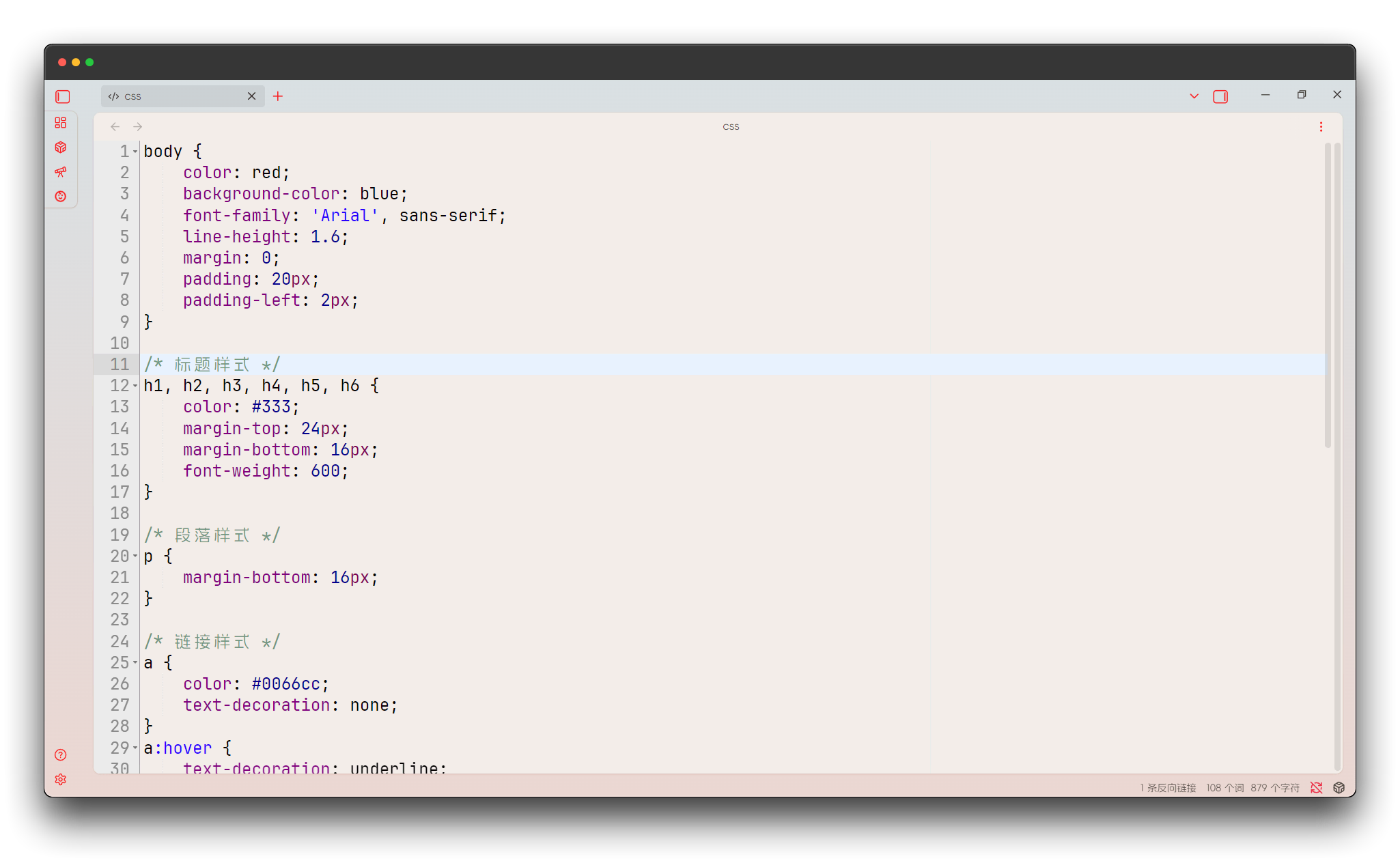
GitHub
GitHub official style, consistent visual experience with GitHub website.

GitHub Light Default
GitHub default light theme, modern code reading experience.

Gruvbox Light Hard
Gruvbox light high-contrast version, clear and sharp visual effects.
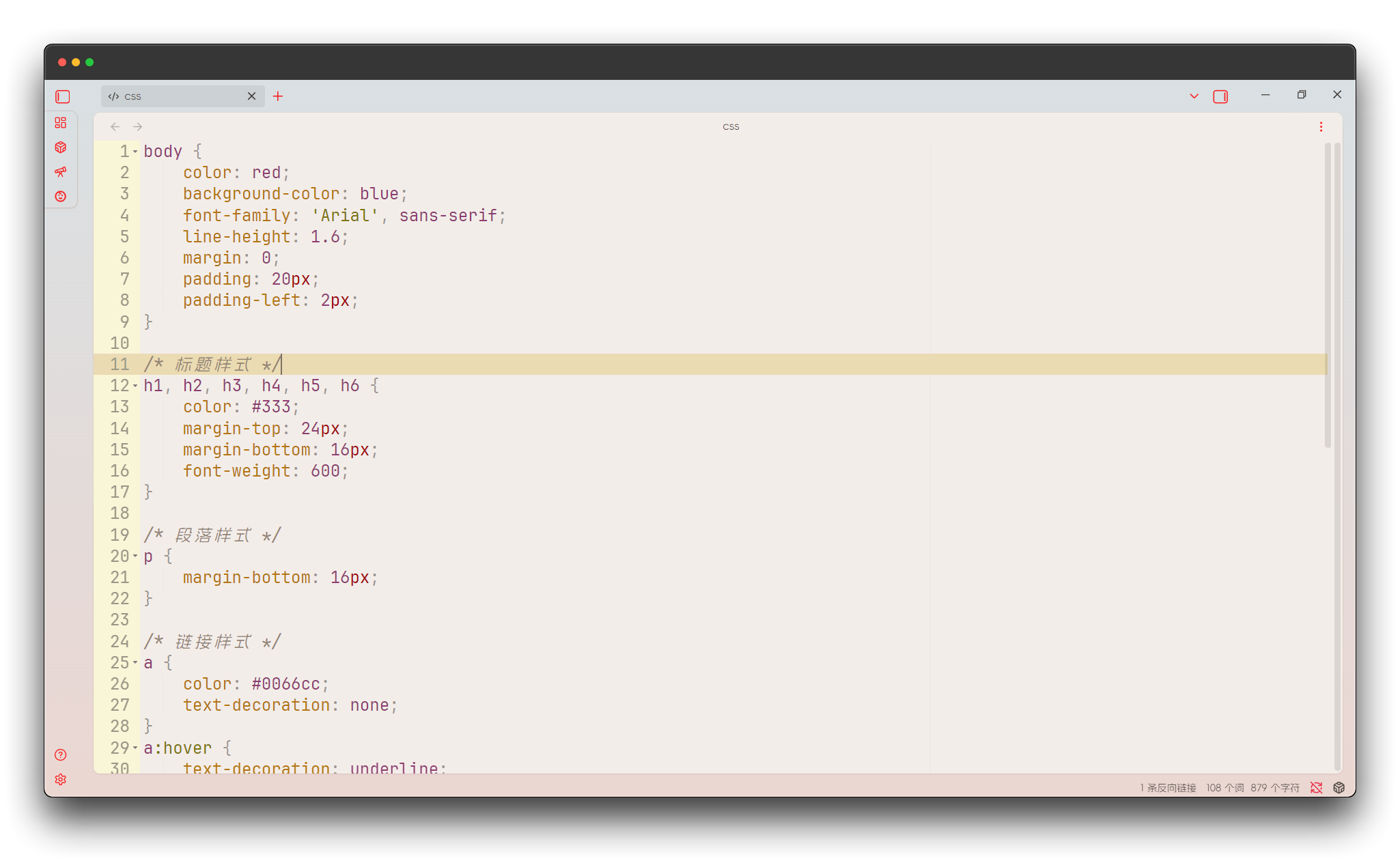
iPlastic
Plastic texture theme with smooth and modern interface design.
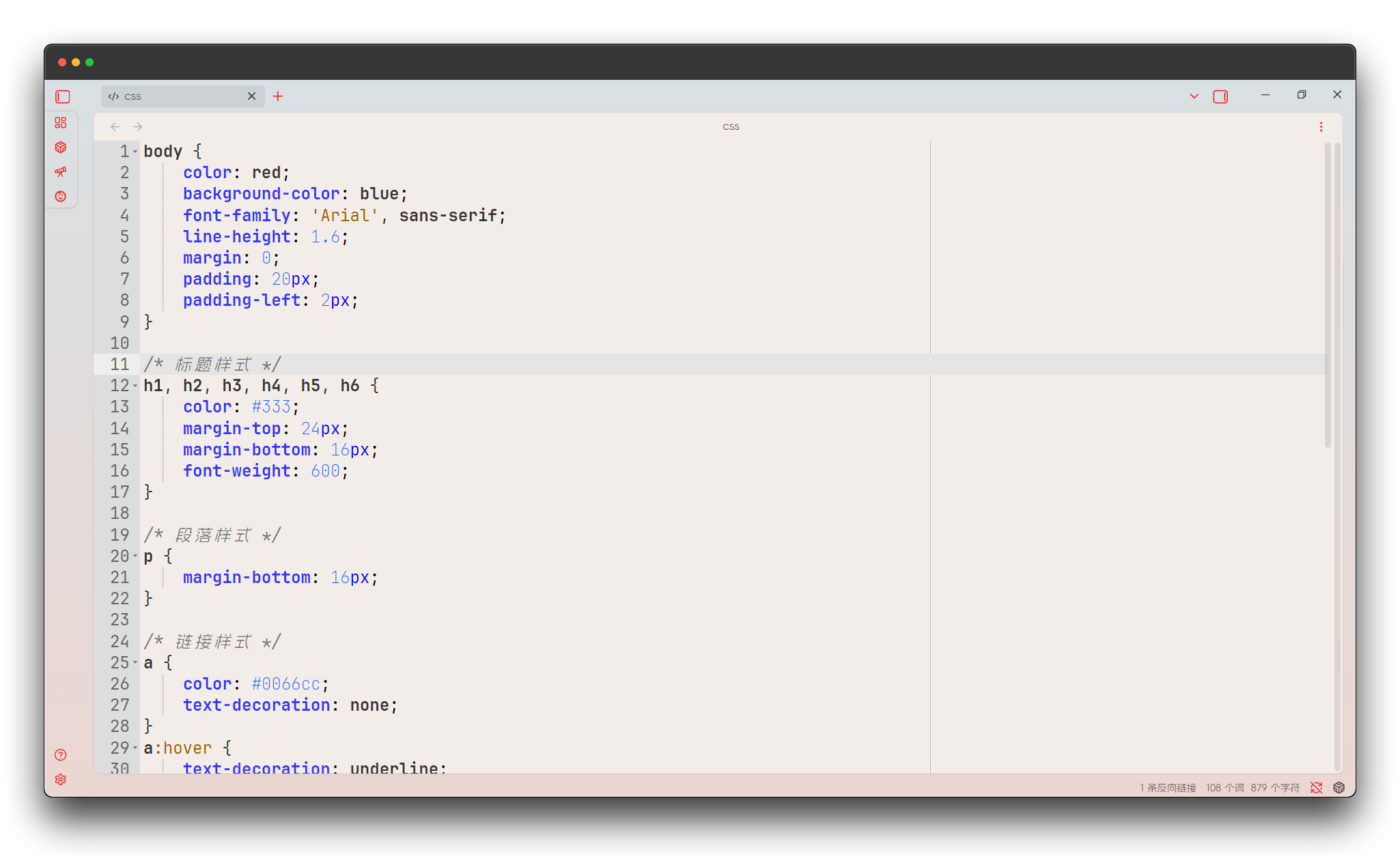
Katzenmilch
Cat milk theme with gentle and soft color combinations, comfortable for eyes.
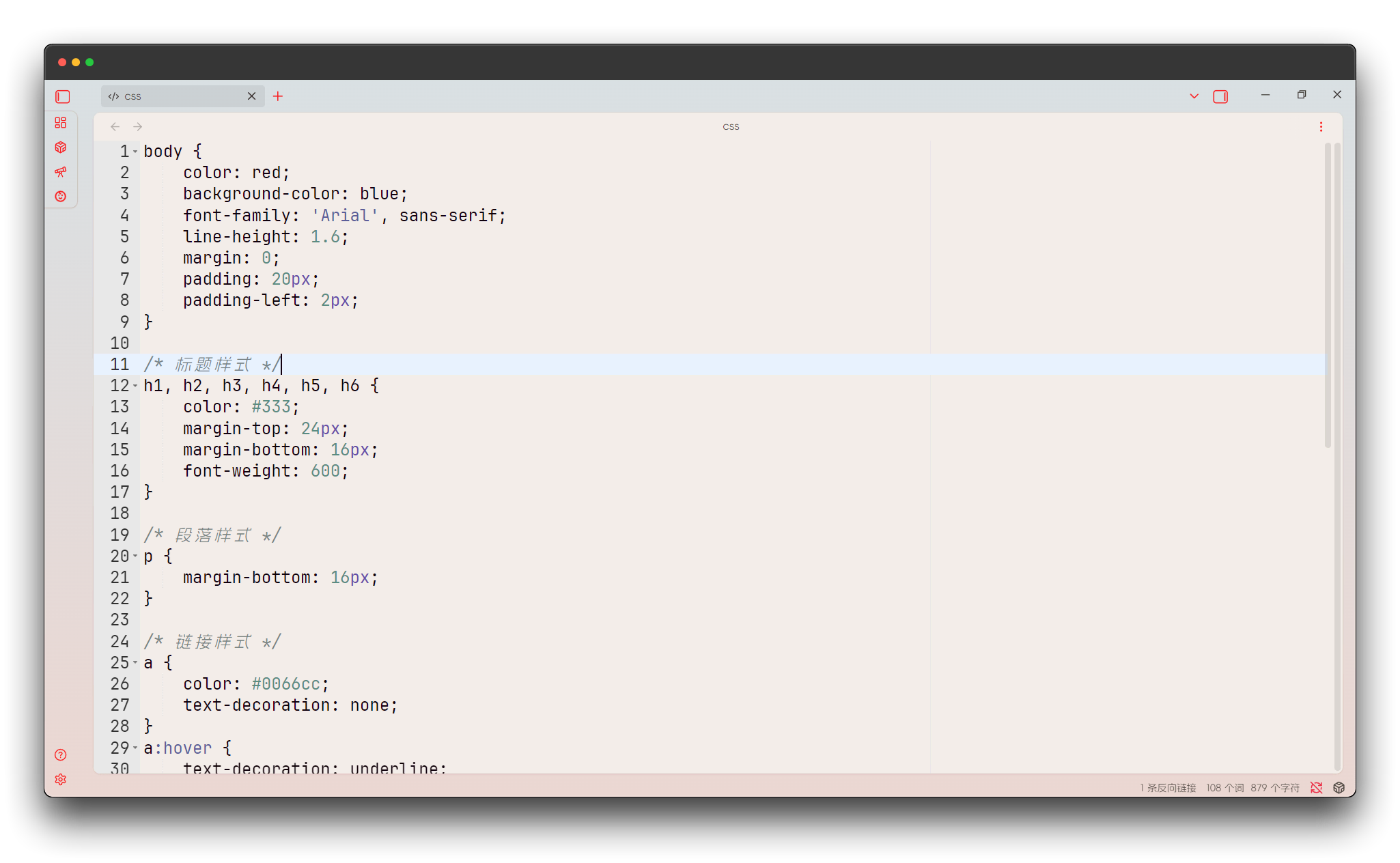
Kuroir
Resort theme with fresh and natural colors, bringing pleasant programming experience.
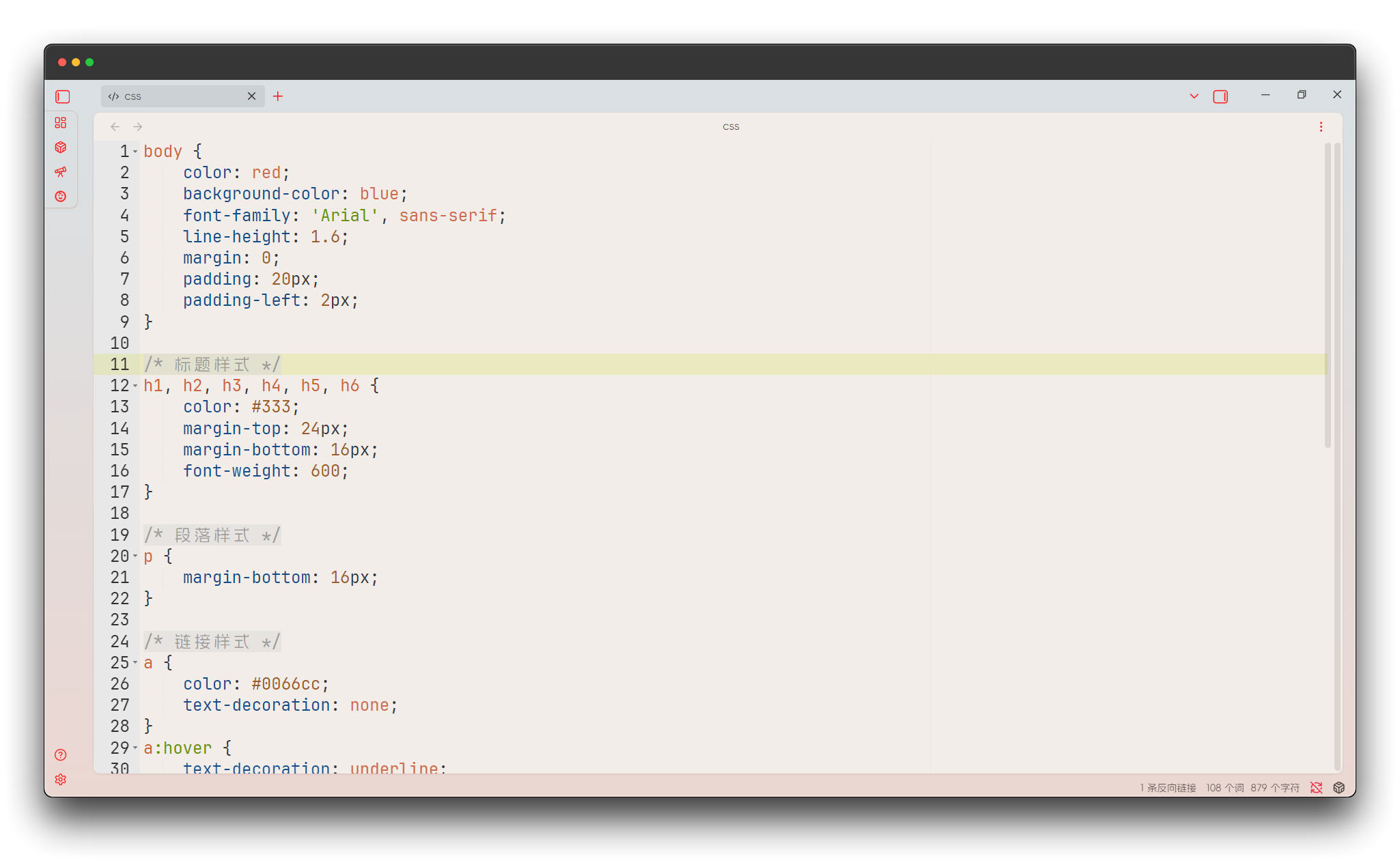
Solarized Light
Classic Solarized light version, scientific color scheme that reduces eye fatigue.
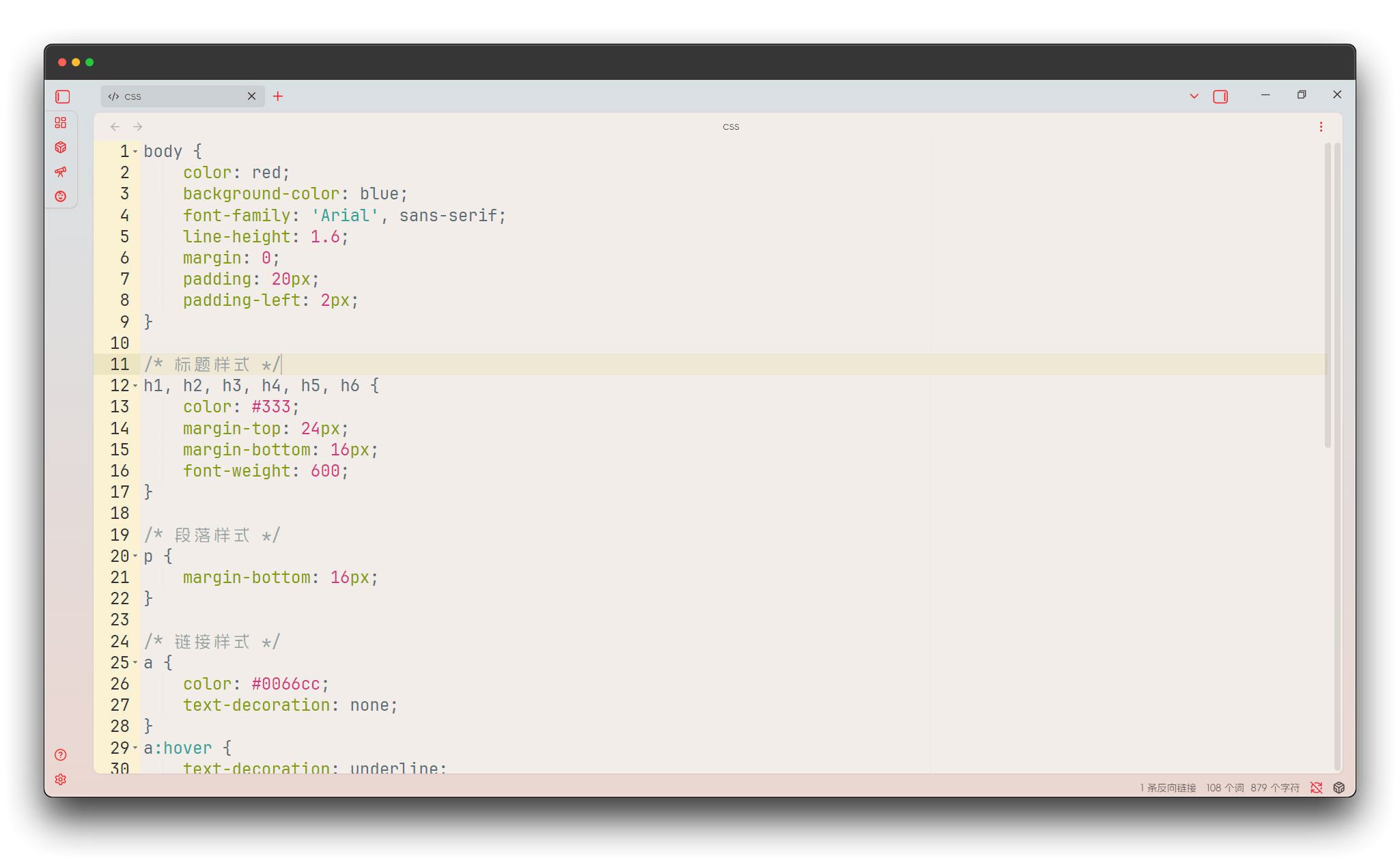
SQL Server
SQL Server Management Studio style, familiar interface for database developers.

TextMate
TextMate editor classic appearance, a classic choice for Mac developers.

Tomorrow
Tomorrow theme with fresh and clean design philosophy, full of futuristic feel.
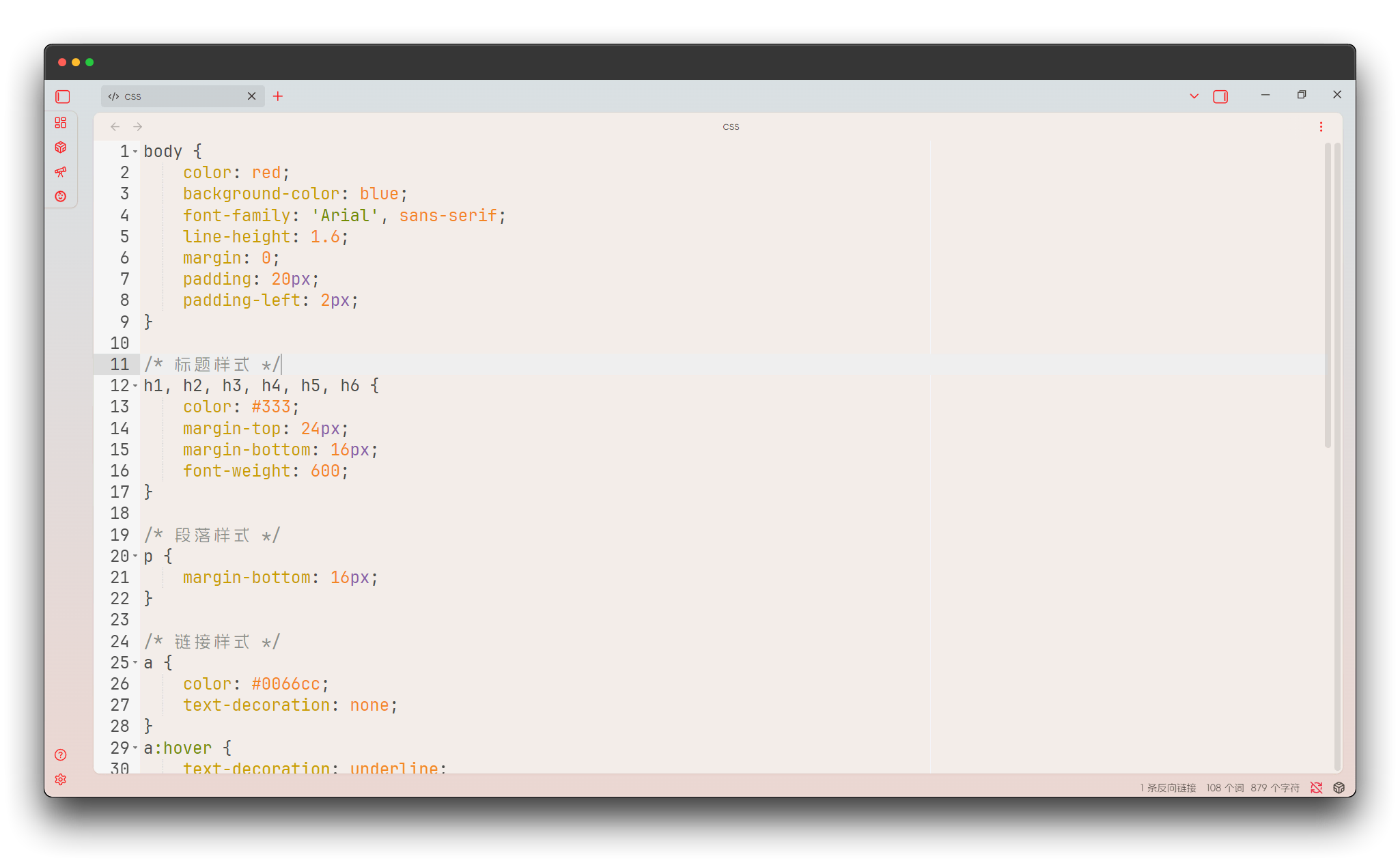
Xcode
Apple Xcode IDE style, preferred choice for iOS and macOS developers.

Dark Themes
Dark themes use dark backgrounds with carefully tuned foreground colors, especially suitable for nighttime or dim lighting environments. These themes offer the following advantages:
- Effectively reduce blue light radiation, protecting vision
- Lower screen brightness, reducing energy consumption
- Provide excellent code color schemes
- Support multiple popular dark theme styles
Ambiance
Ambiance theme with deep background colors, creating a focused programming atmosphere.
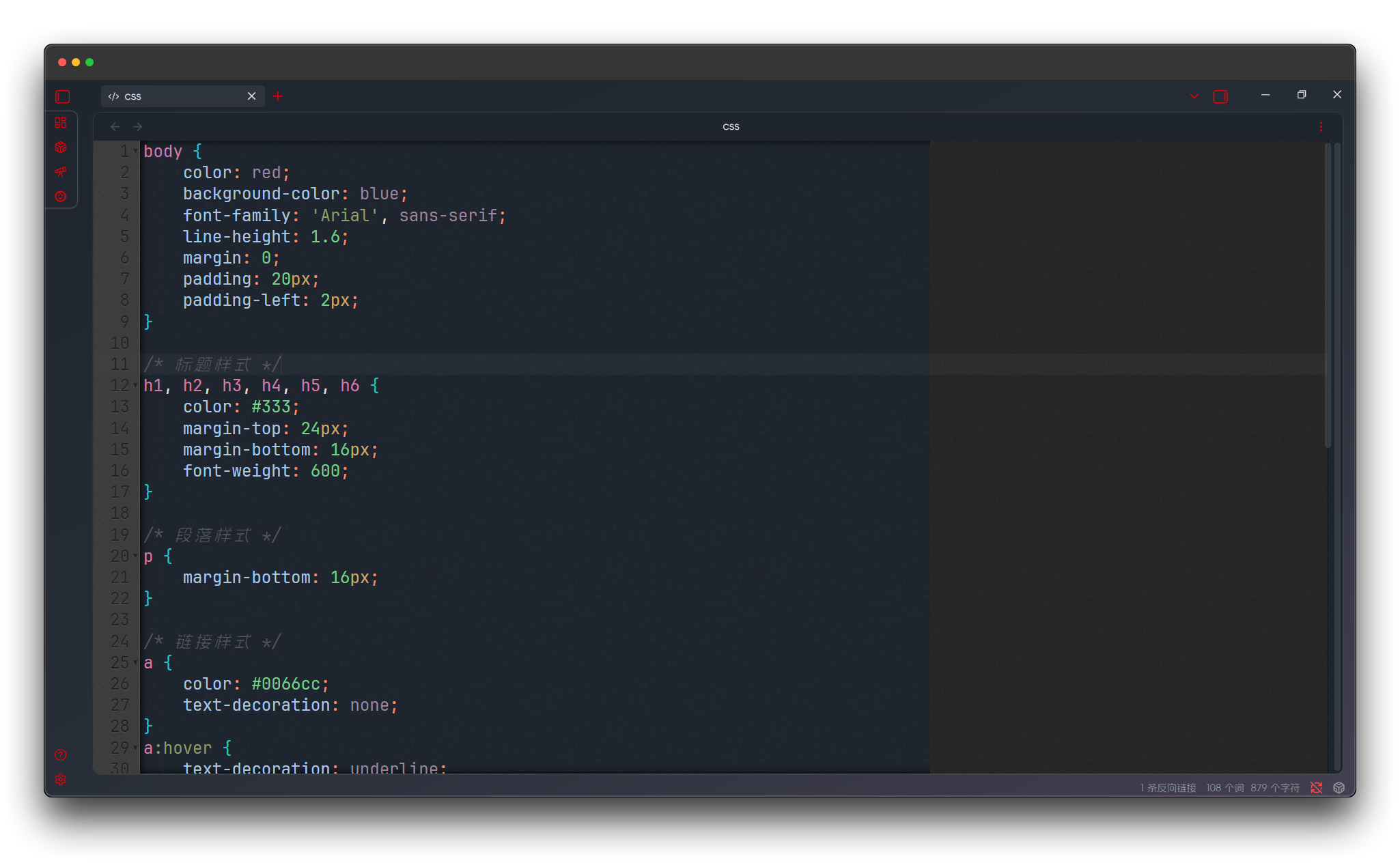
Chaos
Chaos theme with unique color combinations, suitable for developers who like personalization.

Cloud Editor Dark
Cloud editor dark version with modern dark theme design.
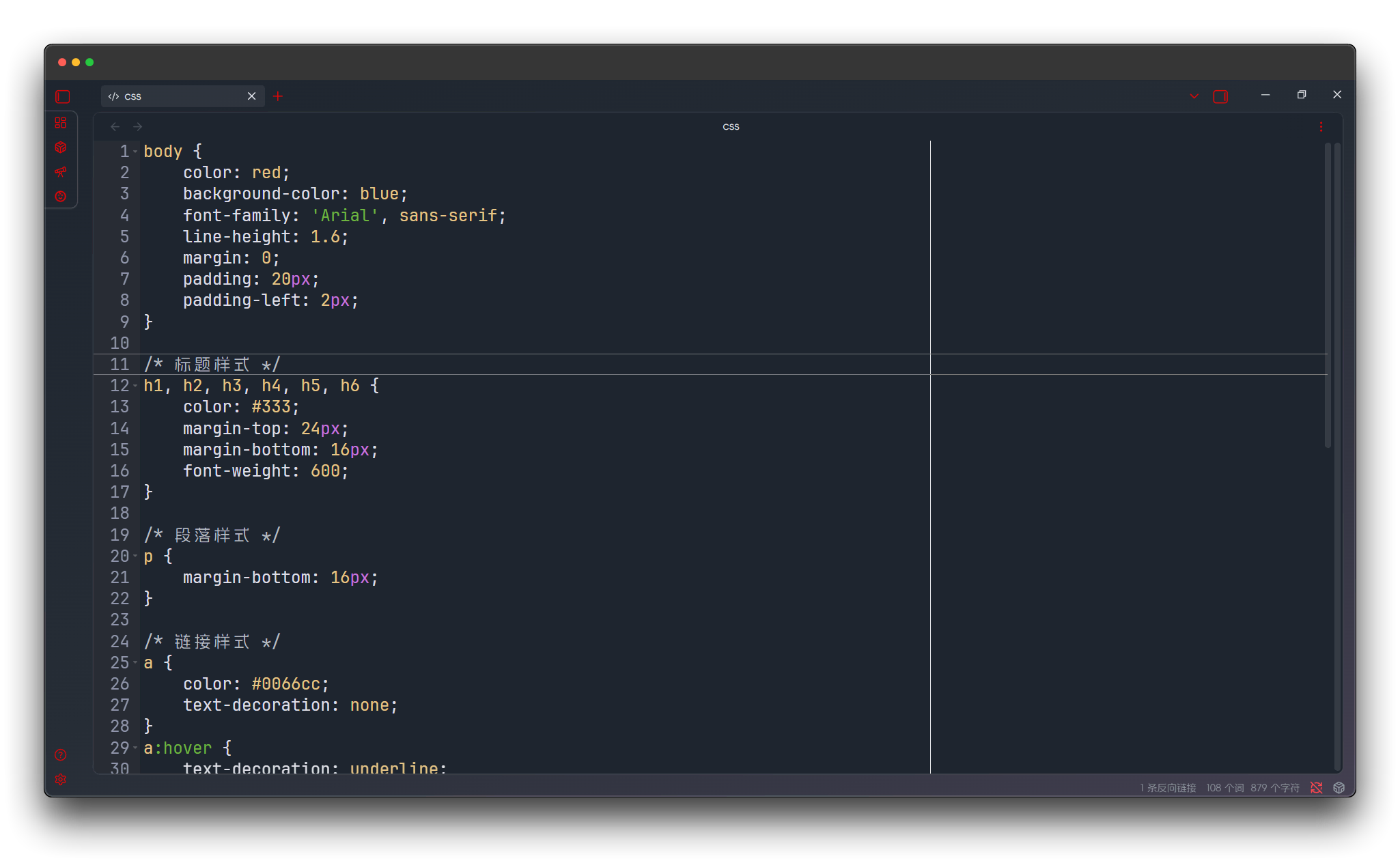
Cloud9 Night
Cloud9 night mode with gentle dark tones, suitable for long programming sessions.

Cloud9 Night Low Color
Cloud9 night low color version, reducing color stimulation to protect vision.

Clouds Midnight
Midnight clouds theme, programming environment as deep as the night sky.
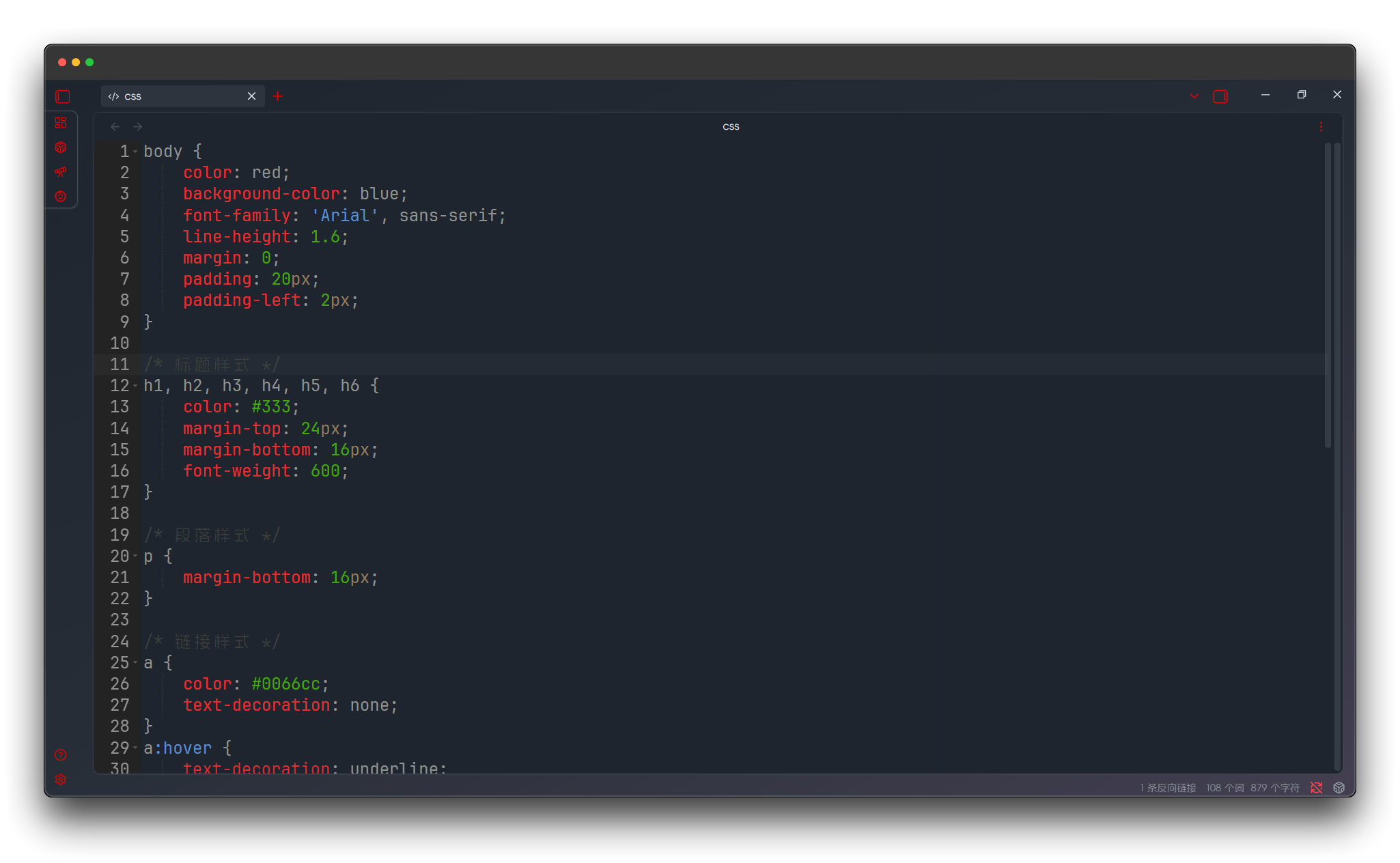
Cobalt
Cobalt theme with deep blue tones, professional and elegant.
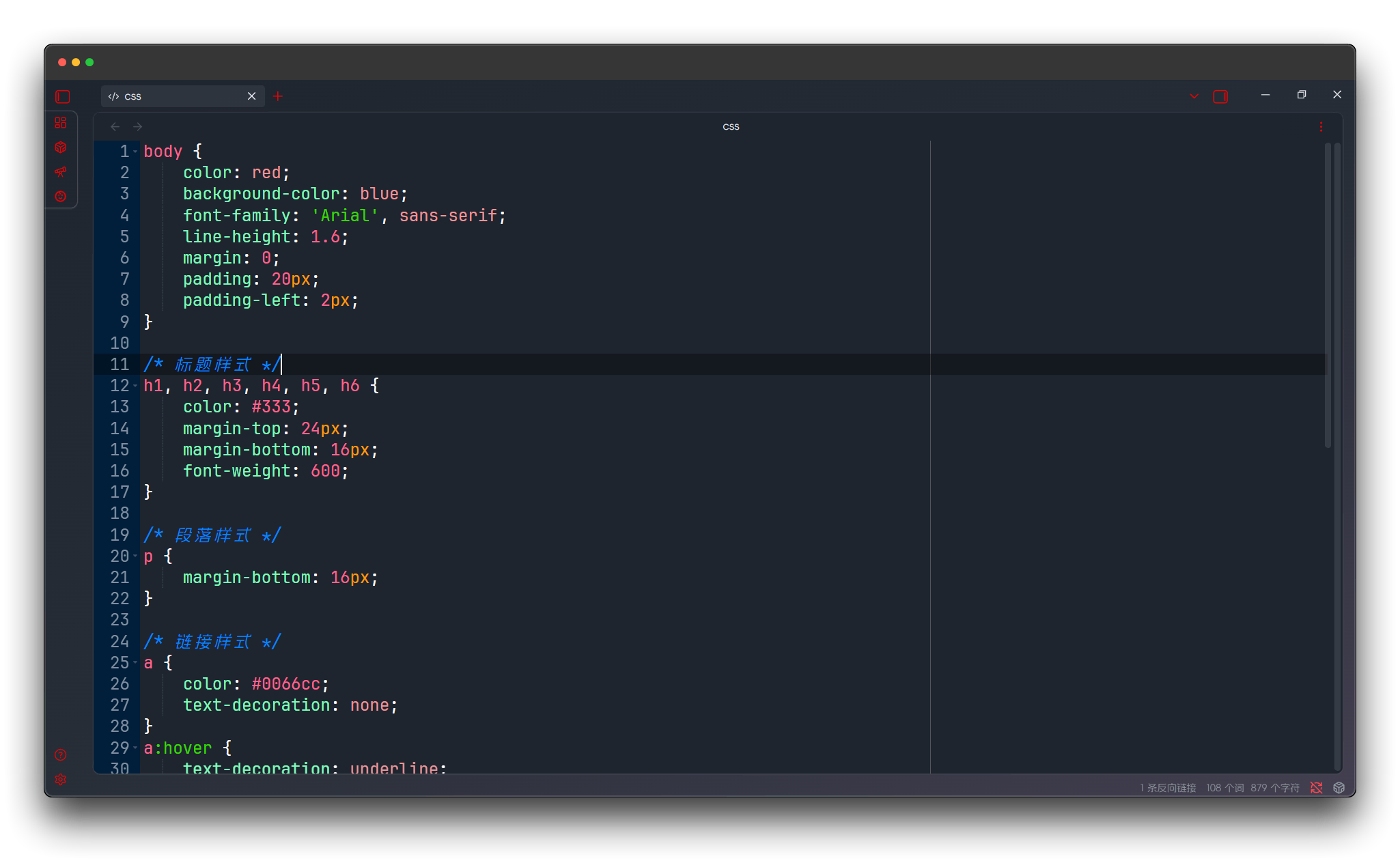
Dracula
Dracula theme, classic dark theme beloved by developers.

GitHub Dark
GitHub official dark theme, consistent with GitHub website's dark mode.

Gob
Goblin theme with unique green tones, bringing a different visual experience.
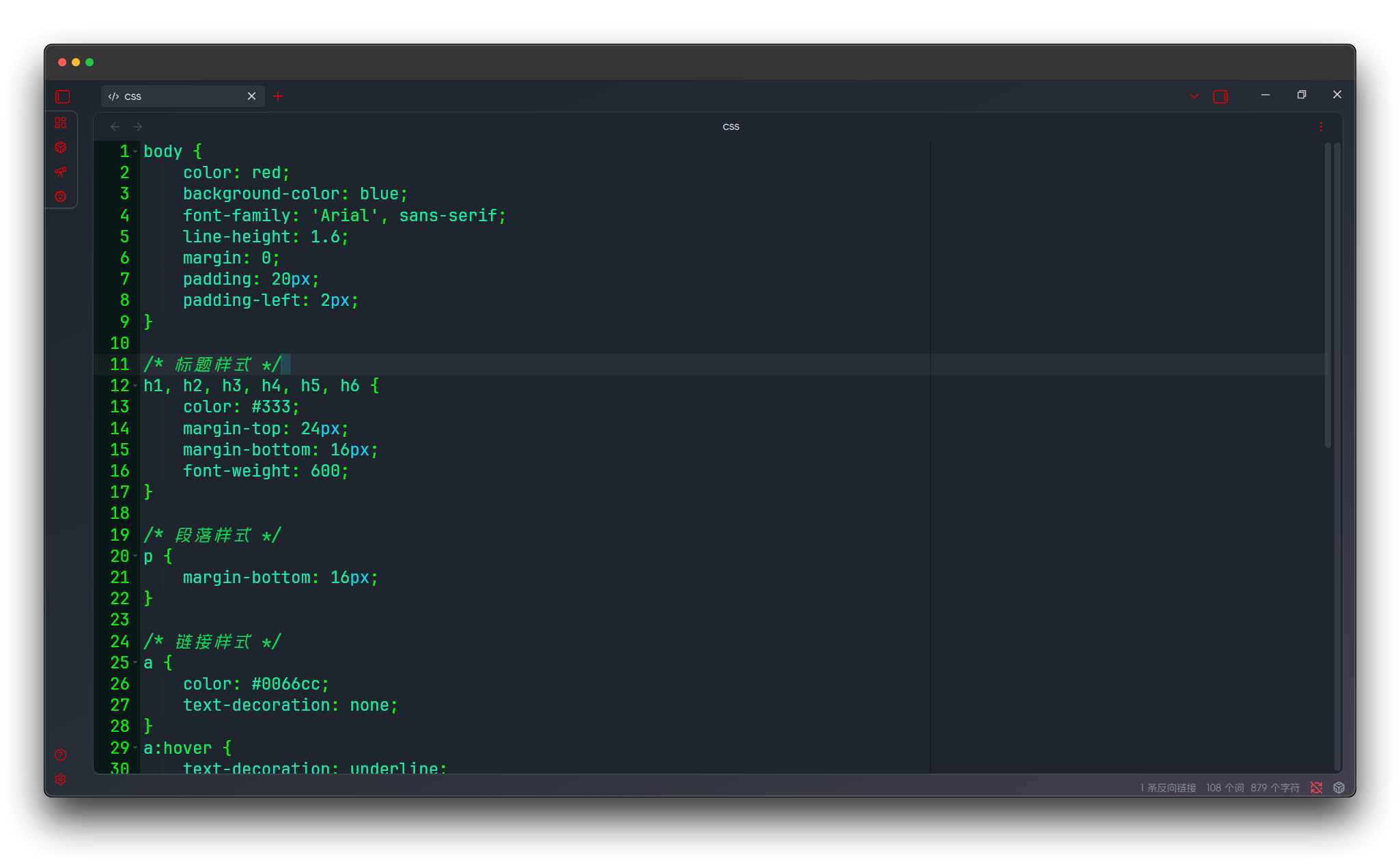
Gruvbox
Classic Gruvbox theme with warm retro tones.
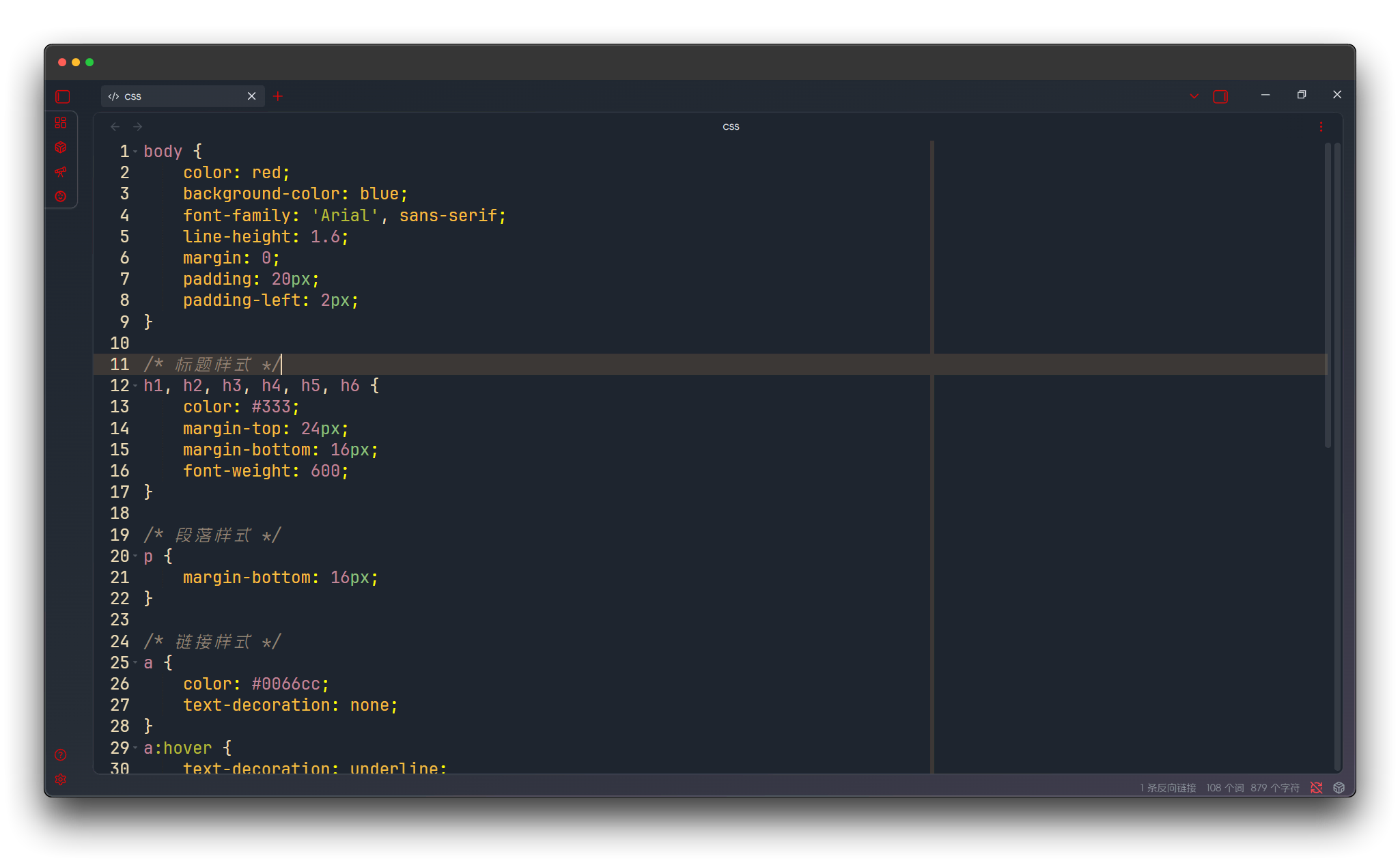
Gruvbox Dark Hard
Gruvbox dark high-contrast version with more vivid visual effects.
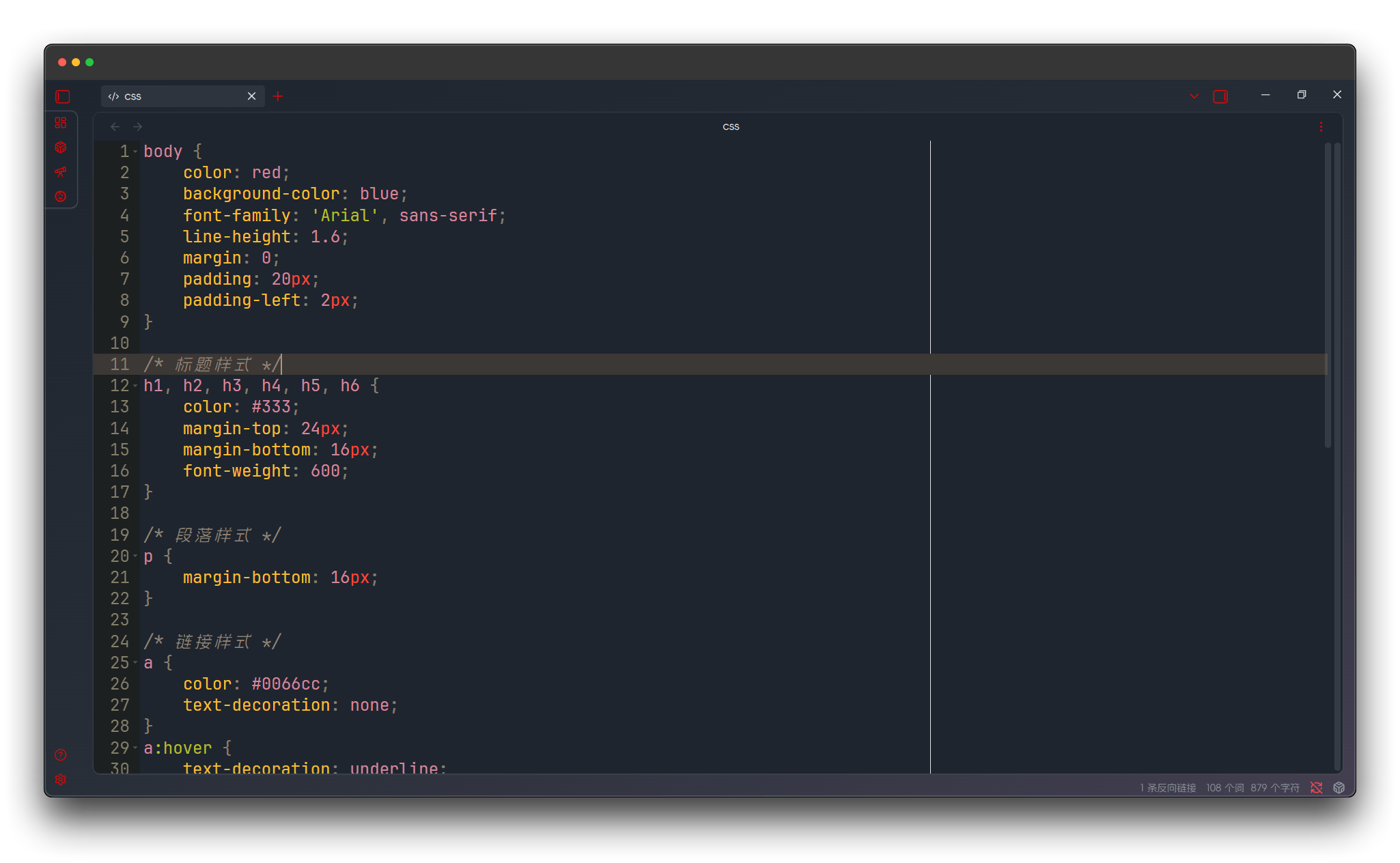
Idle Fingers
Idle fingers theme with relaxed and casual color combinations.
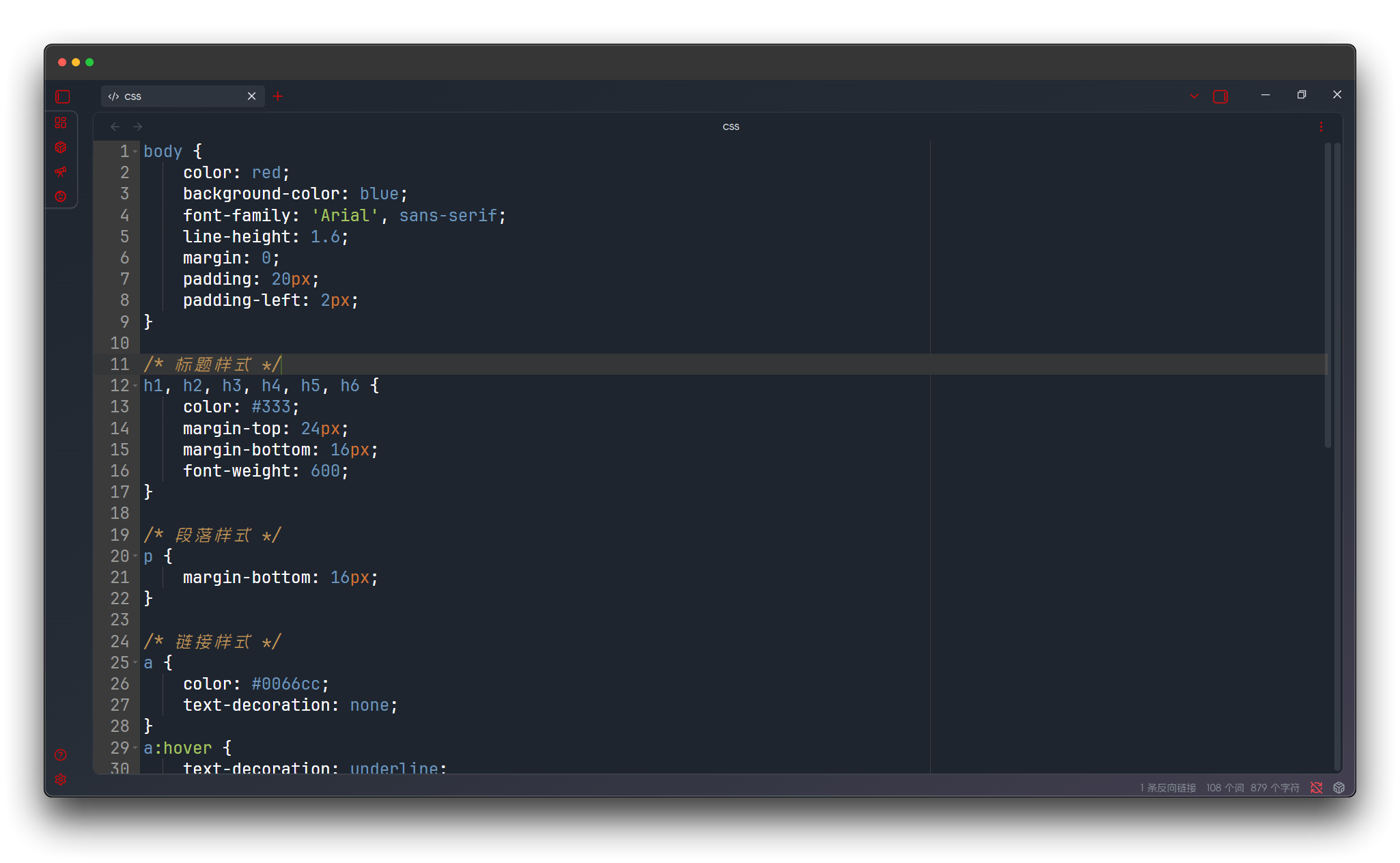
KR Theme
KR theme with clean and practical dark design.
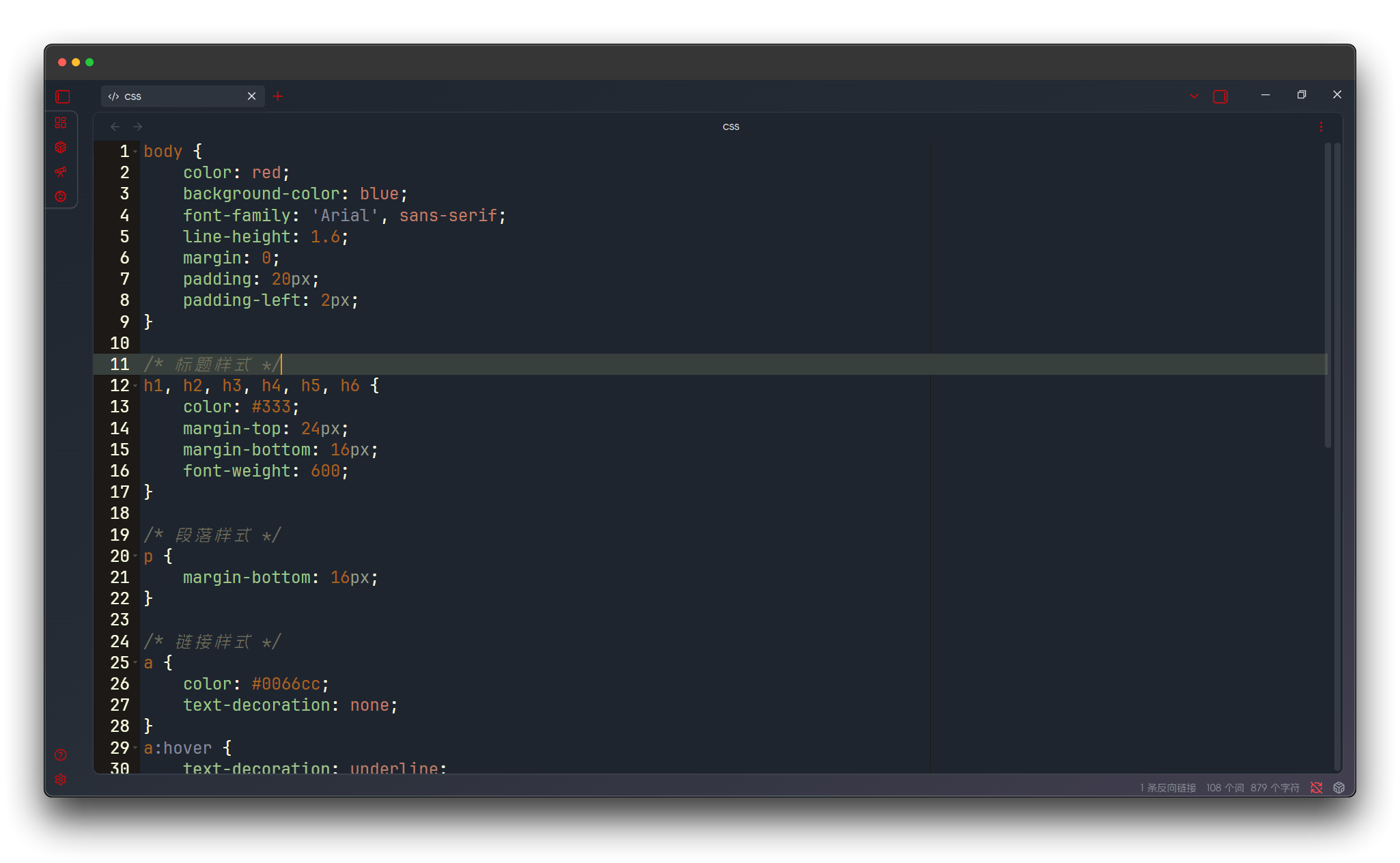
Merbivore
Merbivore theme with strong contrasting colors, powerful visual impact.
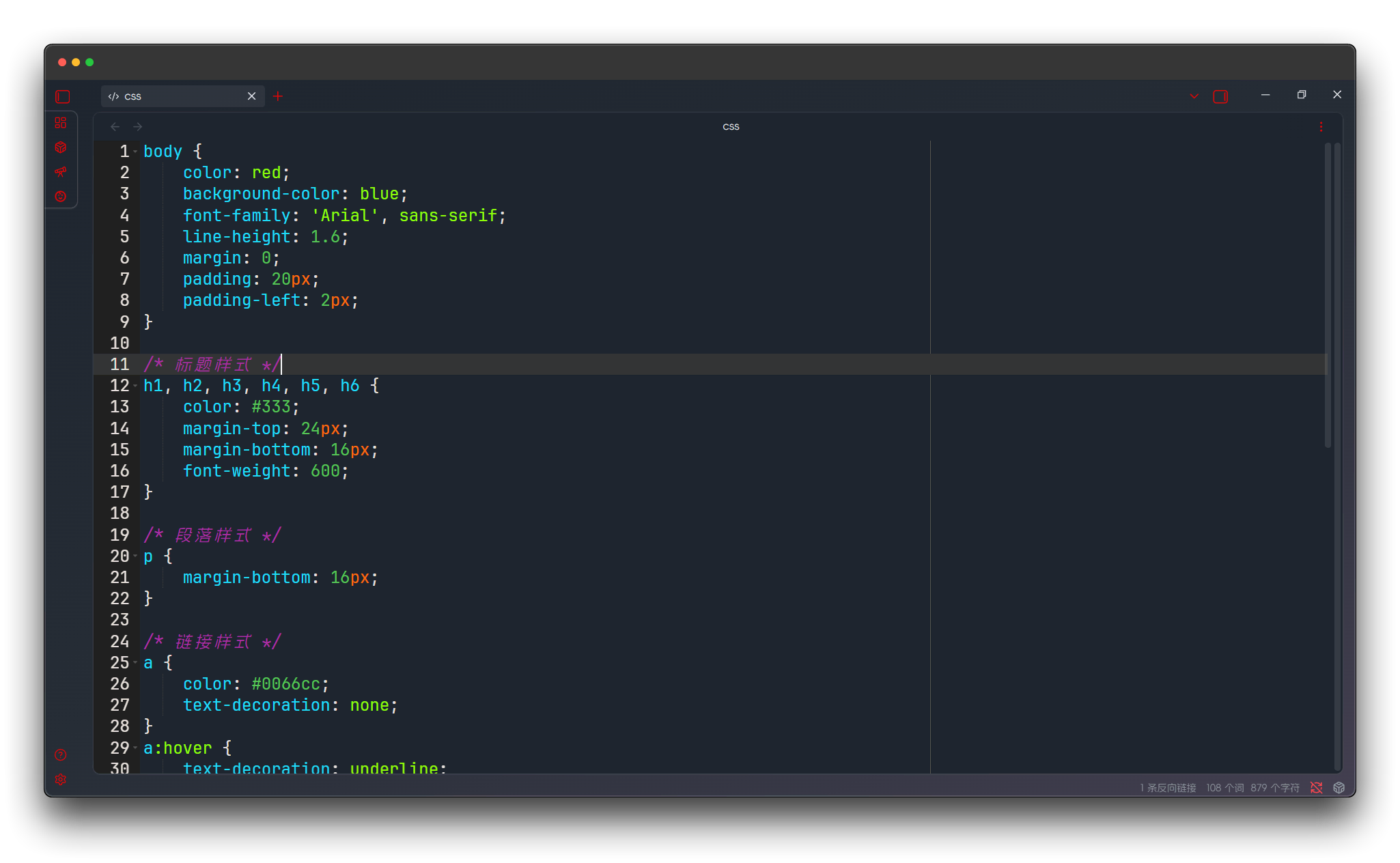
Merbivore Soft
Merbivore soft version with reduced color intensity, more comfortable.

Mono Industrial
Mono industrial theme with minimalist black and white design, focusing on code itself.
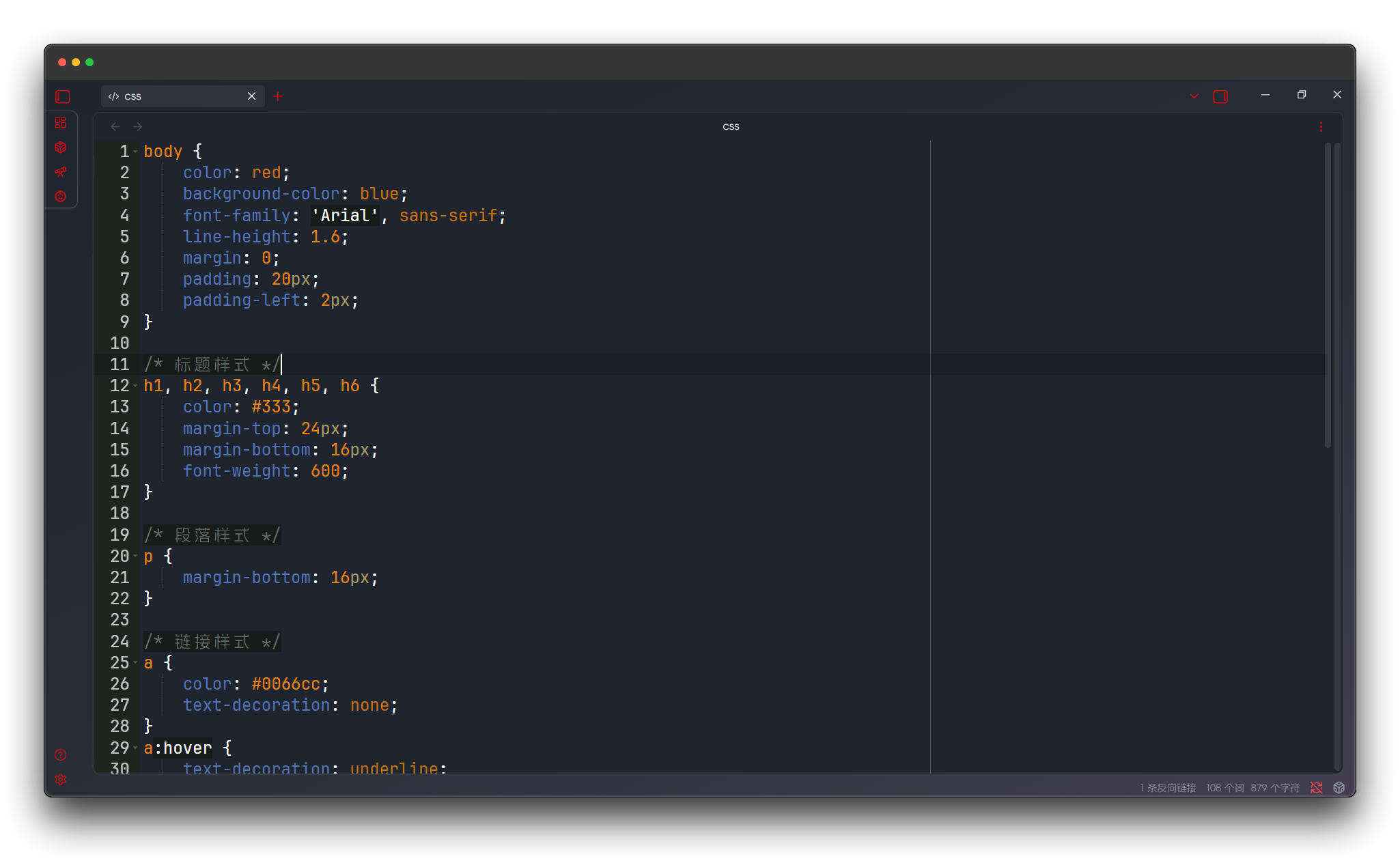
Monokai
Classic Monokai theme, Sublime Text's classic color scheme.

Nord Dark
Nordic dark theme with cool tones, fresh and natural.
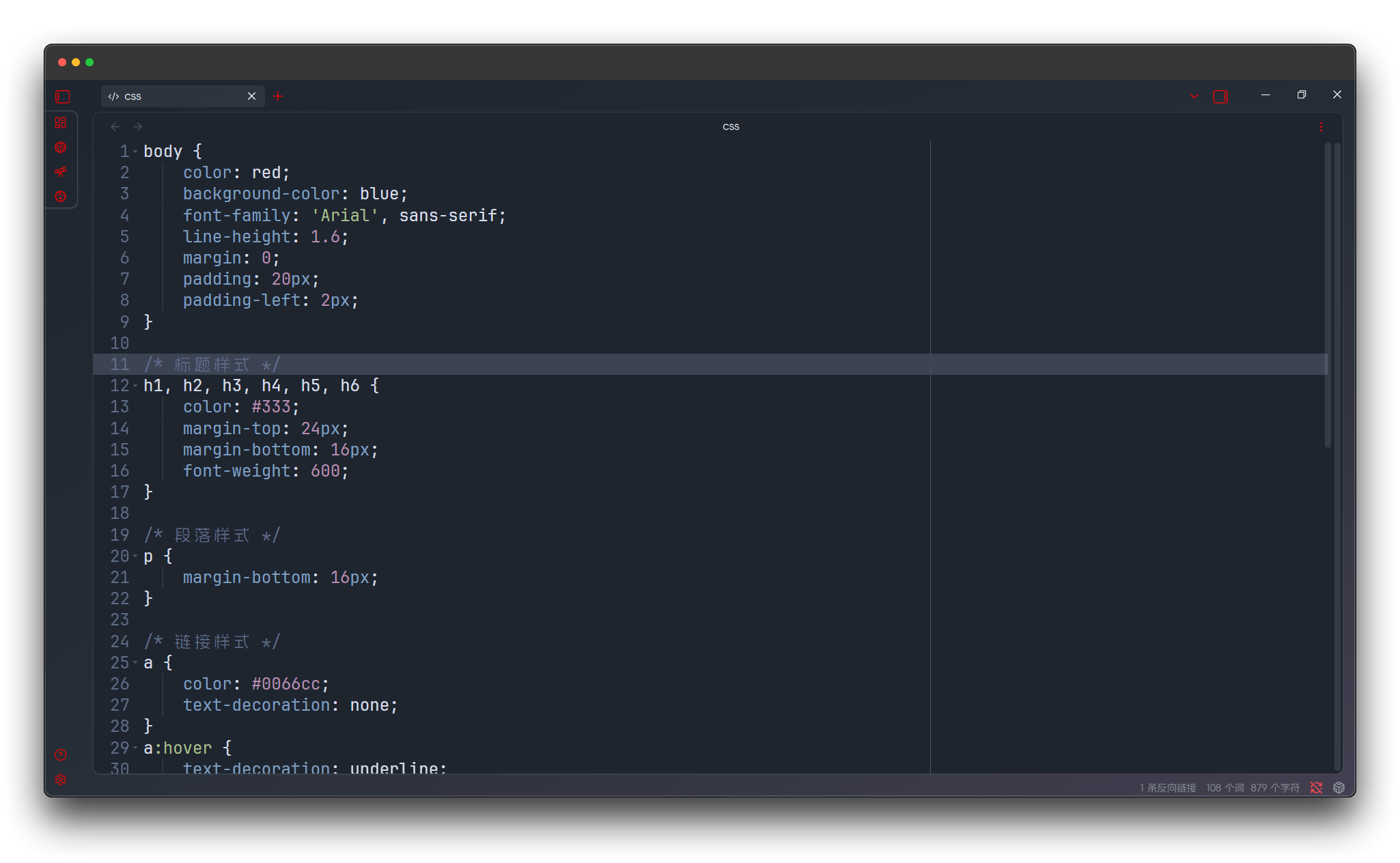
One Dark
VS Code classic dark theme, widely popular color scheme.
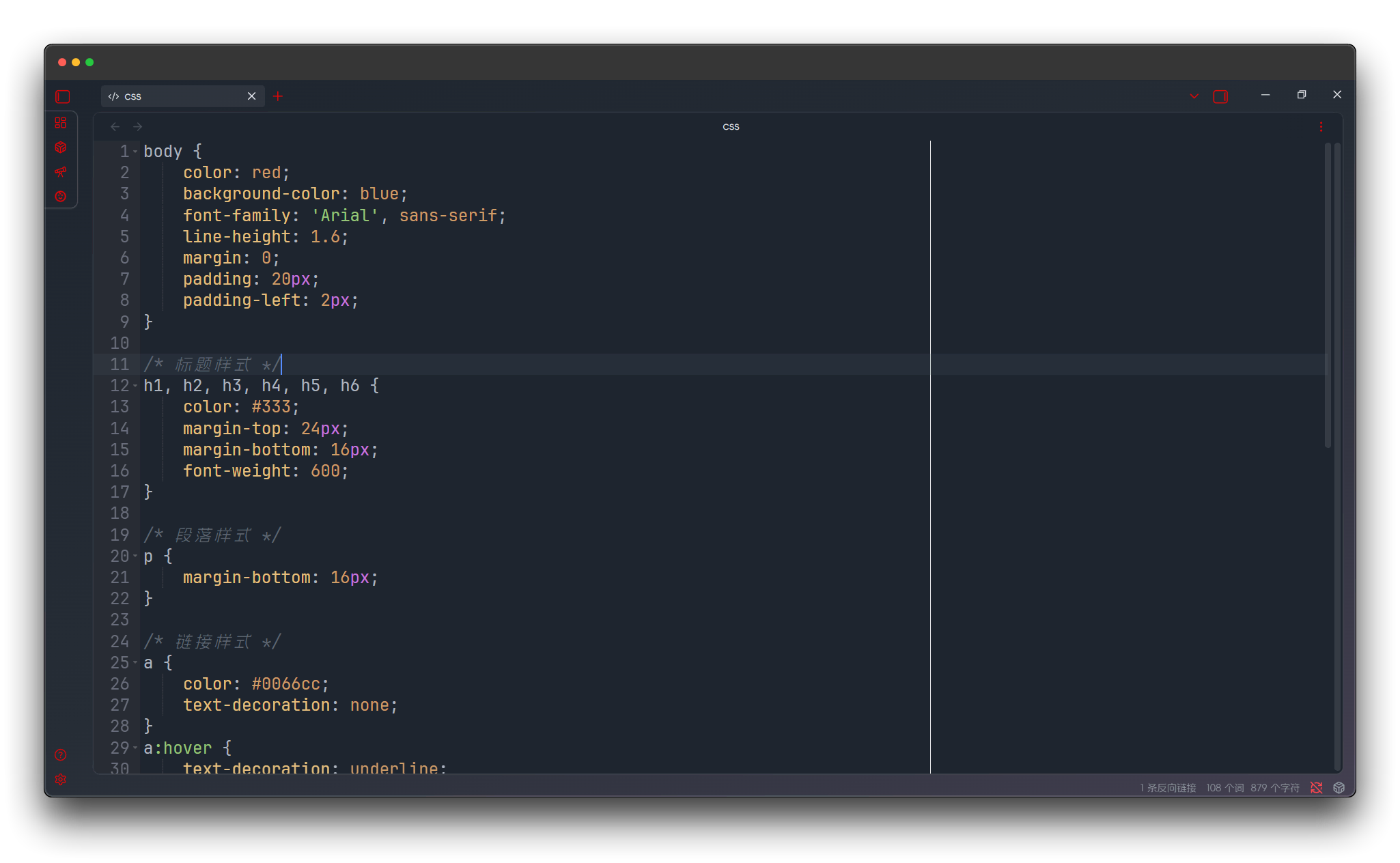
Pastel on Dark
Pastel on dark theme, perfect fusion of soft colors on dark background.
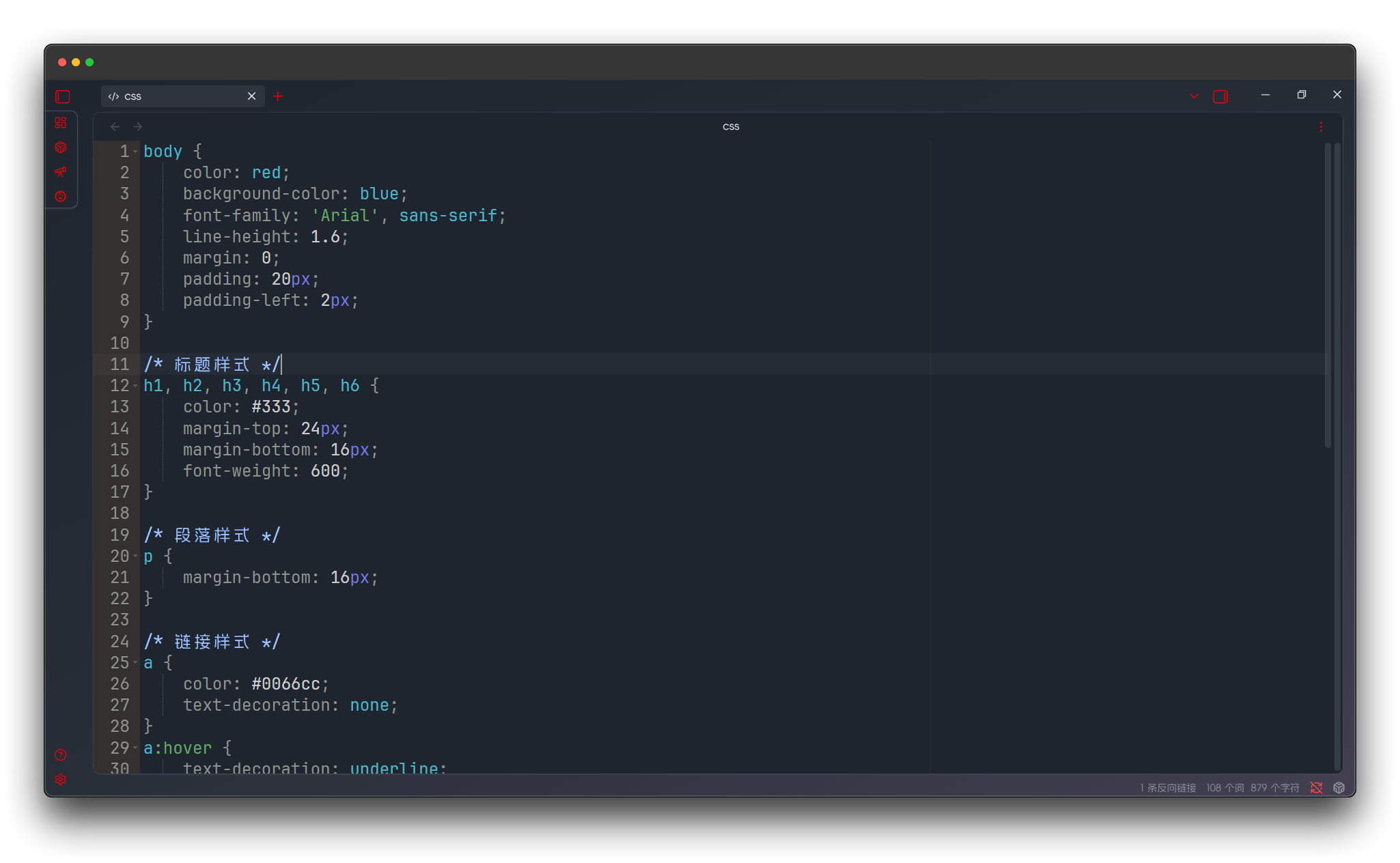
Solarized Dark
Classic Solarized dark version, scientifically colored dark theme.
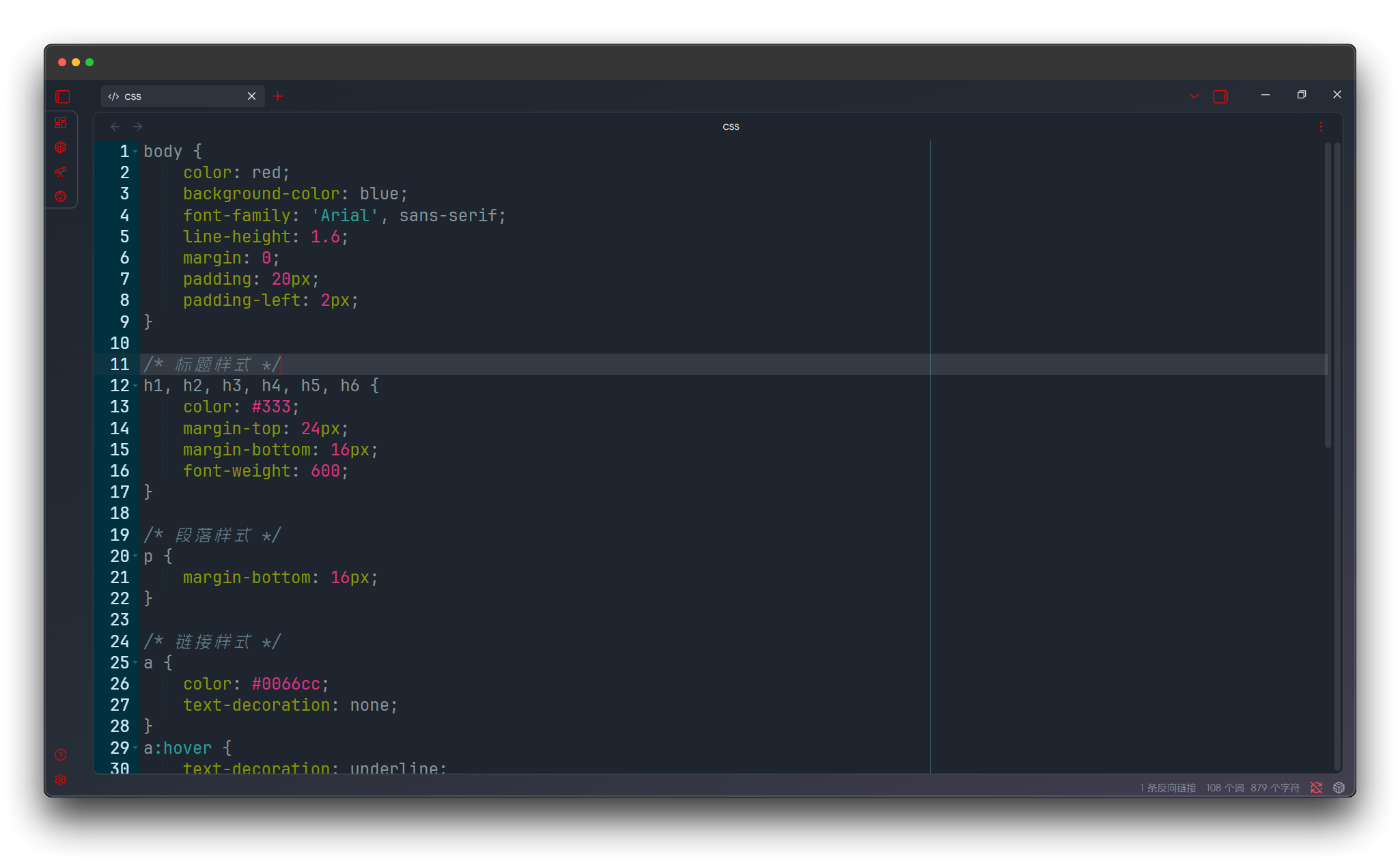
Terminal
Terminal theme simulating traditional command line interface appearance.
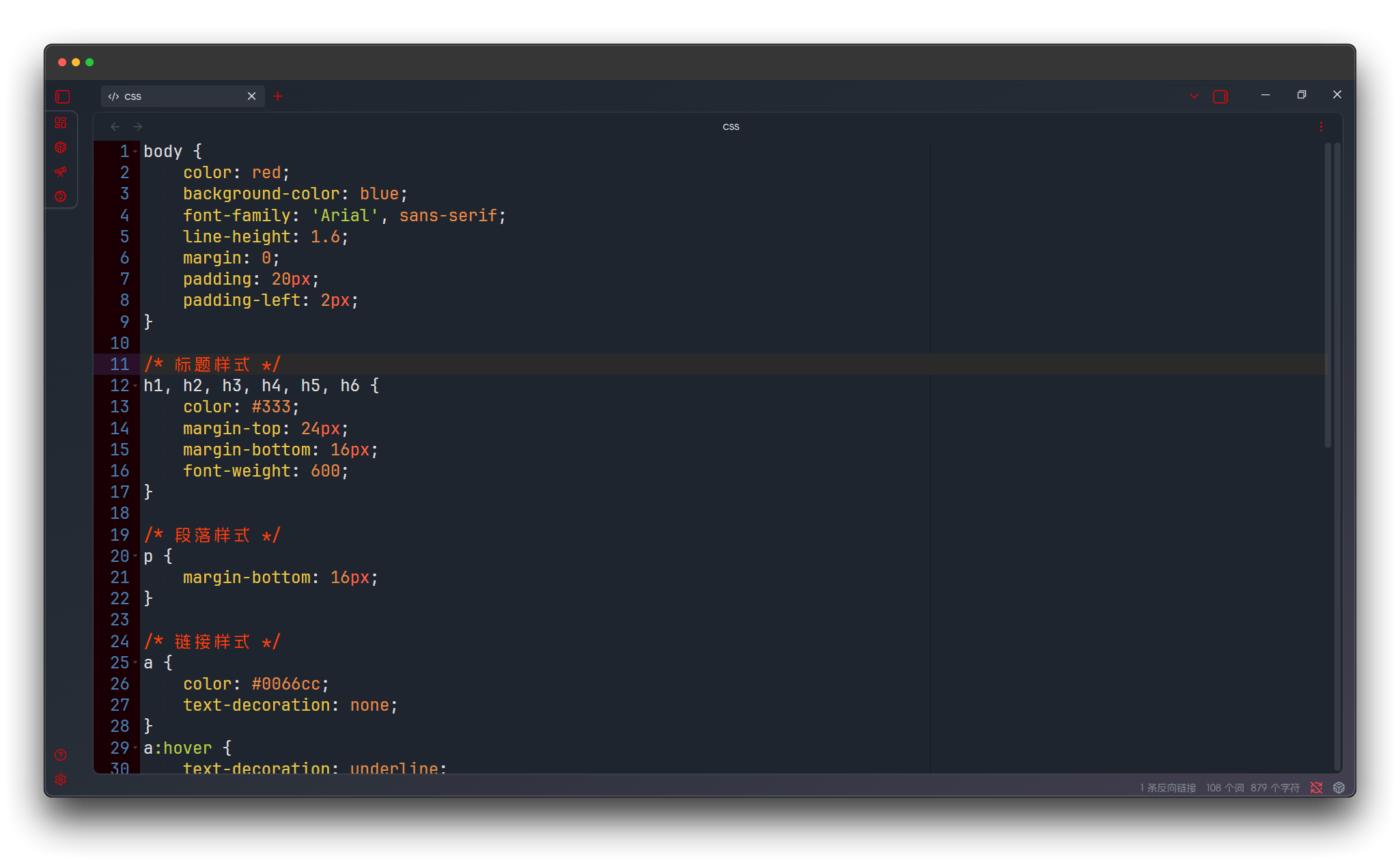
Tomorrow Night
Tomorrow night theme with modern dark design.
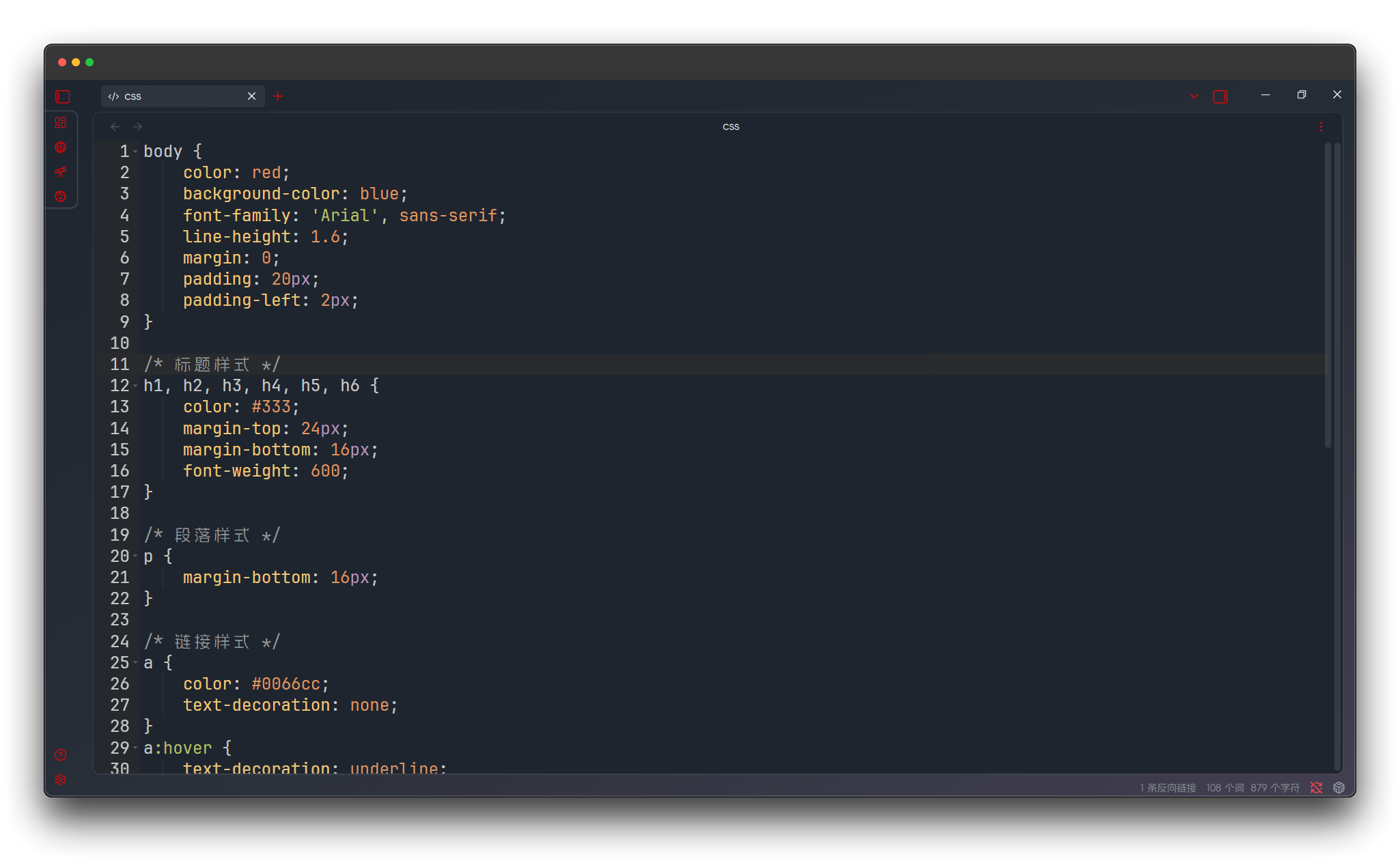
Tomorrow Night Blue
Tomorrow night blue version, elegant dark theme with blue tones.
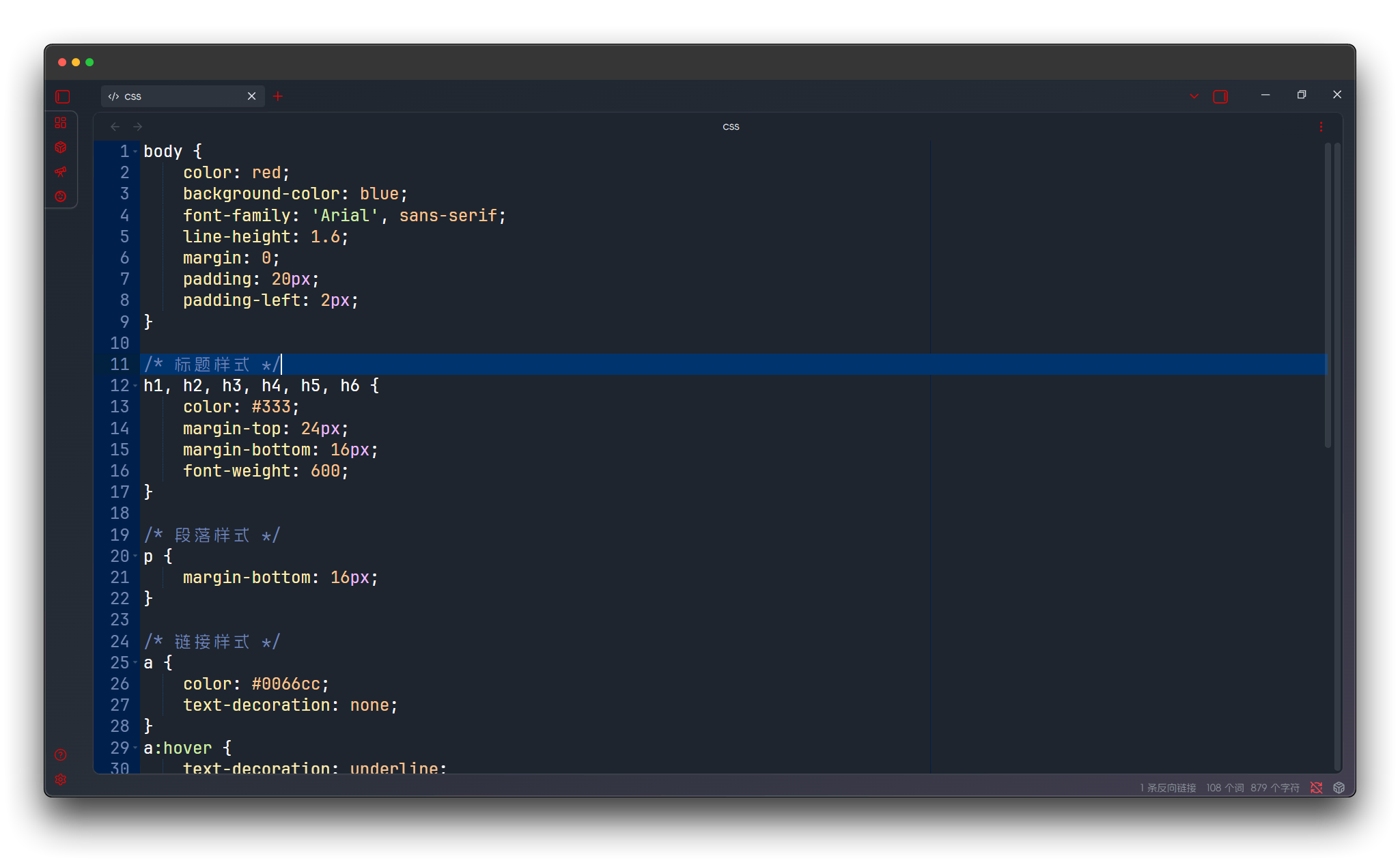
Tomorrow Night Bright
Tomorrow night bright version with enhanced color contrast.
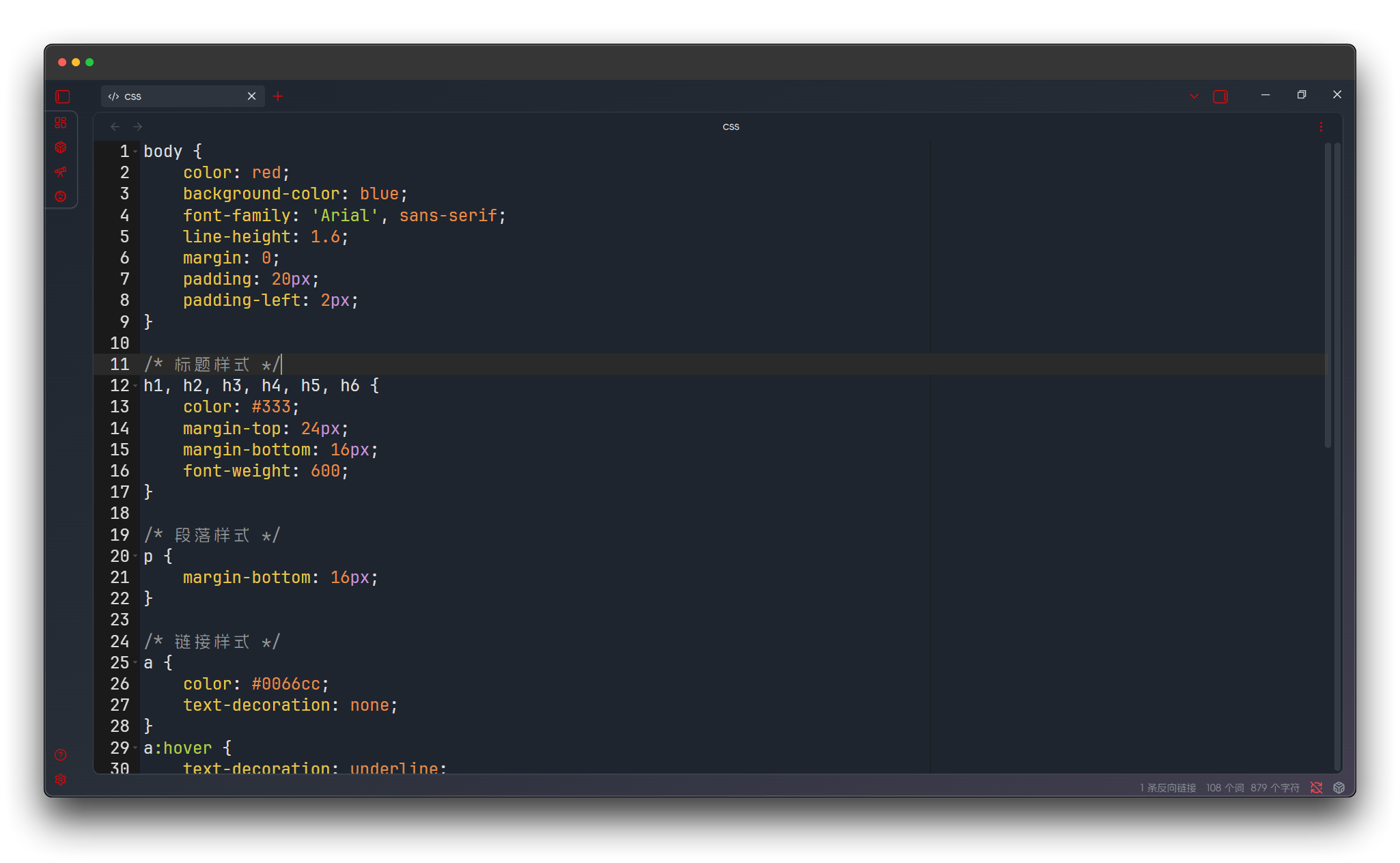
Tomorrow Night Eighties
Tomorrow night eighties version with retro-futuristic color combinations.
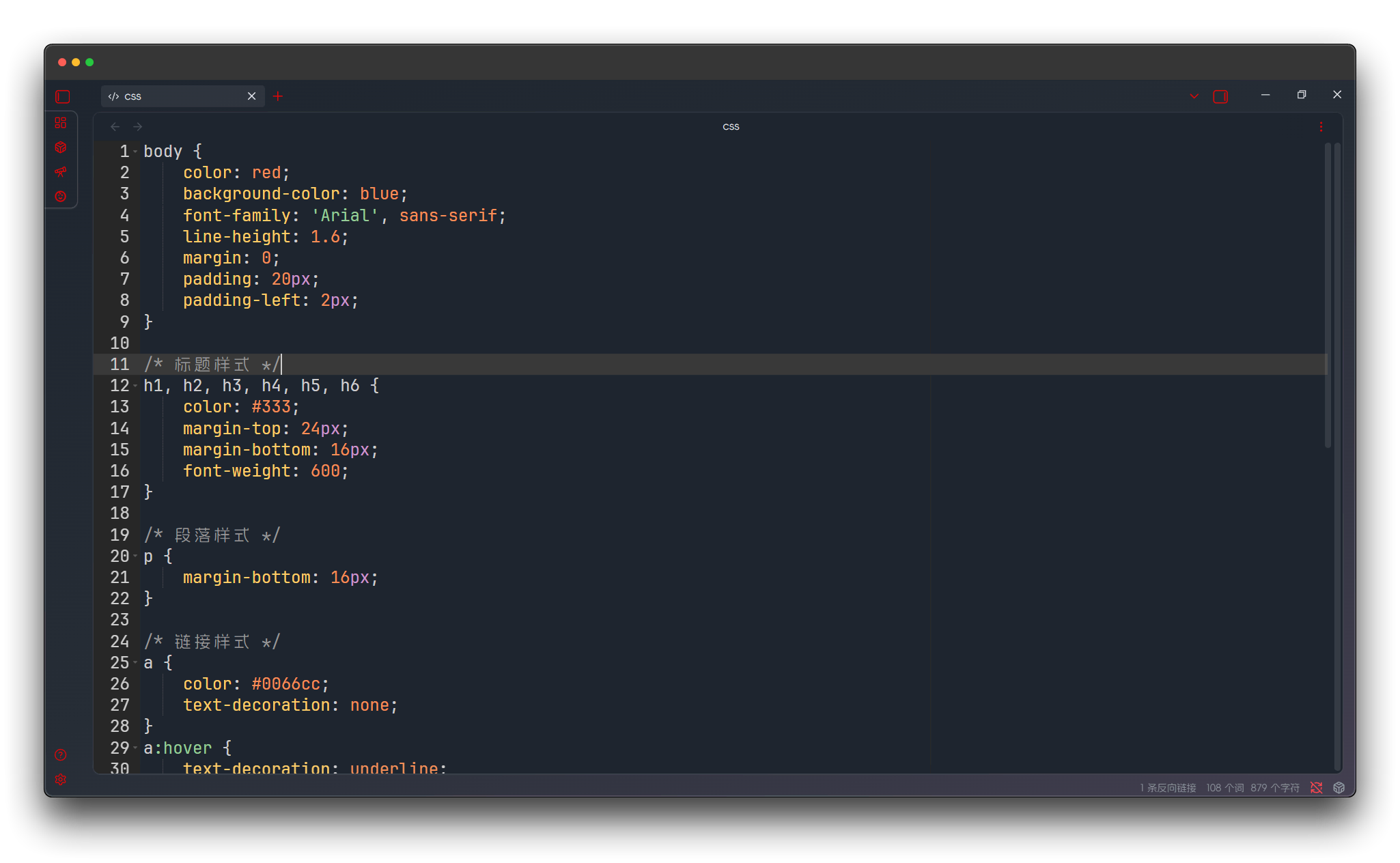
Twilight
Twilight theme with warm dusk tones, creating a peaceful programming atmosphere.
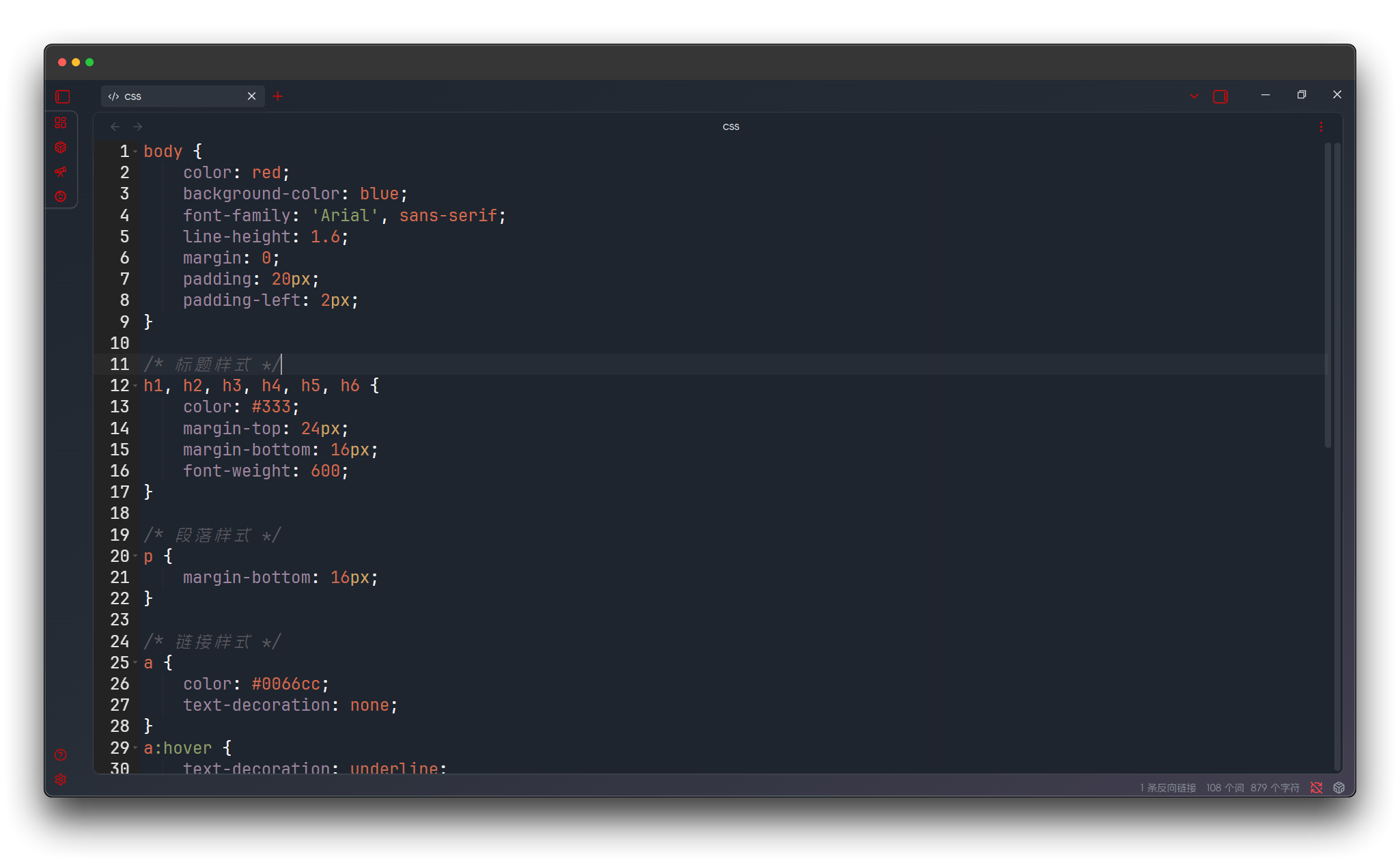
Vibrant Ink
Vibrant ink theme with high saturation colors, energetic visual experience.